Blog

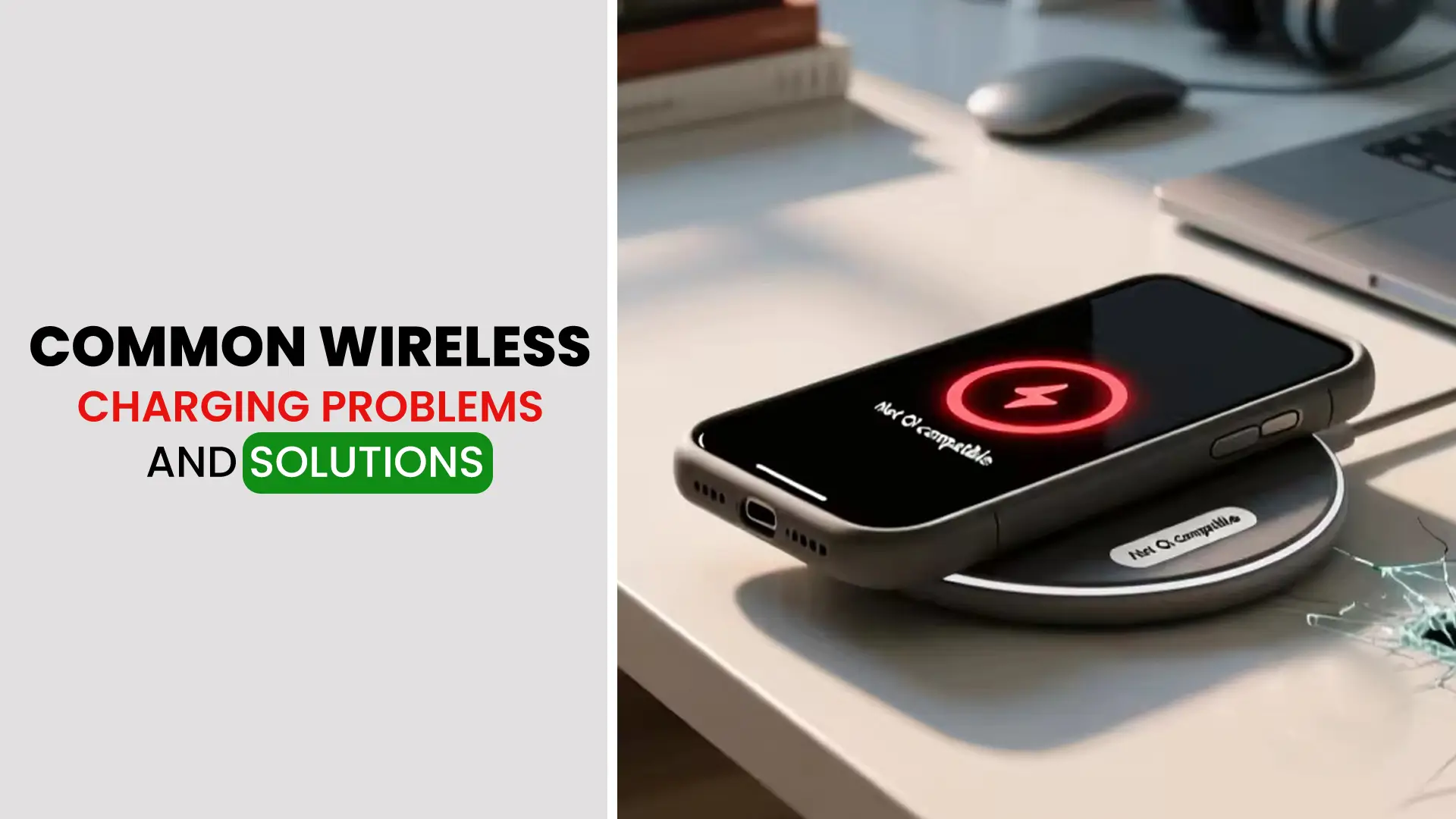
Common Wireless Charging Problems and how to fix them?
Wireless charging has revolutionized how we power our devices, offering convenience and ease. However, like any technology, it comes with its own set of issues. At Nur Telecom, we know how frustrating it can be when wireless charging doesn’t work as expected. Our team of certified experts, with years of experience in smartphone repairs, is ready to help. In this guide, we’ll address the most common wireless charging problems and provide clear solutions to help you get back to charging without hassle.
Introduction to Wireless Charging Problems
What Is Wireless Charging and Why Does It Fail?
Wireless charging uses electromagnetic fields to transfer energy between your device and a charging pad. While it’s an efficient, cable-free way to power your phone, it sometimes doesn’t work as expected. Issues such as slow charging or complete failure can arise from a variety of factors, including device compatibility, interference, or physical damage.
Common Reasons for Wireless Charging Not Working
Several factors can affect wireless charging. Common causes include:
- Misalignment of the device on the charging pad
- Incompatible devices that don’t support wireless charging
- Obstructions and dirt on the phone backshell
- Outdated software that can disrupt charging functionality
By understanding the root cause of the issue, you can quickly resolve wireless charging problems and avoid repeated frustration.
Common Wireless Charging Issues and How to Fix Them
Wireless Charging Not Detecting Device
Solution: Ensure Device Compatibility and Check Charging Pad Alignment
If your device isn’t charging wirelessly, it may not be compatible with the charging pad. Make sure your phone supports Qi wireless charging. Additionally, check if the device is aligned correctly on the charging pad. Moving the phone slightly might solve the problem.
Charging Speed Slows Down or Stops
Solution: Clean the Charging Pad and Avoid Interference
Slower charging speeds can often be attributed to dust, dirt, or other debris on the charging pad. Use a clean, dry cloth to wipe the pad and ensure no obstructions. Furthermore, avoid placing other electronic devices near the charging pad, as they might cause interference that slows down the charging process.
Wireless Charging Pad Not Working
Solution: Check for Physical Damage and Ensure the Pad Is Plugged in Properly
Sometimes, the charging pad itself may be damaged, or the power cord may not be connected correctly. Inspect the pad for any visible cracks or damage. Also, ensure the pad is plugged into a working outlet.
Wireless Charging Stops After Software Update
Solution: Restart Phone and Check for Firmware Updates
After a software update, some users find that wireless charging no longer works. A simple restart can often solve the issue. If the problem persists, check for any available firmware updates for your device. Manufacturers sometimes release patches that address wireless charging issues.
Troubleshooting Wireless Charging Issues
How to Fix Wireless Charging Not Working?
Solution: Restart Device, Check Charging Pad, Update Phone Software
If wireless charging isn’t working at all, restart your phone and try again. Also, check if the charging pad is clean and properly plugged in. If none of these steps help, make sure your phone’s software is up to date.
How to Resolve Overheating Wireless Charging Pads?
Solution: Use Charging Pads in a Cool Environment and Avoid Overcharging
Wireless charging pads can overheat, especially when used in hot environments or left plugged in for too long. Ensure the pad is used in a cool, well-ventilated area, and avoid overcharging your phone by removing it from the pad once it’s fully charged.
Identifying Wireless Charging Compatibility Issues
Solution: Ensure Your Phone Supports Qi Wireless Charging
If your phone isn’t charging wirelessly, it could be due to compatibility issues. Most modern smartphones support Qi wireless charging, but older models or non-Qi devices might not. Verify your device’s compatibility before purchasing a wireless charger.
Why Choose Nur Telecom for Wireless Charging Repair in Dhaka
Certified Technicians with Years of Experience
At Nur Telecom, our certified technicians, including experts like Md Juwel, Md Mahmud, Masud Rana, Rubel Hossain, Sojib Bhuiyan, Jahid Hassan, Md Arman, and Md Sohel, have over 5 to 15 years of experience in repairing mobile devices. Whether it’s an iPhone, Samsung, Xiaomi, OnePlus, or any other smartphone brand, we specialize in both hardware repairs and wireless charging troubleshooting.
Fast and Reliable Wireless Charging Solutions
If you’re experiencing wireless charging problems, don’t wait for things to get worse. Visit us in Bashundhara City, Dhaka, where our experts will quickly diagnose the issue and provide efficient solutions. Whether it’s a simple cleaning or a more complex repair, we offer fast, reliable services to get your device charging again.
Conclusion
Wireless charging issues can disrupt your daily routine, but most of these problems have simple, effective solutions. Whether it’s misalignment, software glitches, or compatibility issues, the experts at nur telecom are here to help you quickly troubleshoot and repair wireless charging problems. For any wireless charging repairs in Dhaka, trust us to deliver fast, professional service.
FAQs
Why is my wireless charger not detecting my device?
This could be due to your device not being compatible with Qi wireless charging or improper alignment on the charging pad. Ensure your phone supports wireless charging and align it correctly on the pad.
How can I fix slow wireless charging speeds?
Slow charging may be caused by dust, dirt, or other debris on the charging pad. Clean the pad with a dry cloth and ensure there is no interference from nearby electronic devices.
What should I do if my wireless charging pad isn’t working?
Check for any physical damage to the charging pad and ensure that it is properly plugged into a working outlet. If there are visible cracks or damage, the pad may need repair or replacement.
Why did my wireless charging stop working after a software update?
A simple restart of your phone can often resolve this issue. If that doesn’t help, check for firmware updates from your device manufacturer that may address the issue.
How can I resolve wireless charging overheating problems?
Ensure that your charging pad is used in a cool, well-ventilated area. Avoid leaving your device plugged in after it’s fully charged to prevent overheating.
How can I know if my phone supports wireless charging?
Most modern smartphones support Qi wireless charging, but older models or non-Qi devices may not. Check your device’s specifications to confirm compatibility.
Where can I get reliable wireless charging repair services in Dhaka?
For fast and professional wireless charging repair, visit Nur Telecom in Bashundhara City, Dhaka. Our certified technicians offer expert solutions to any wireless charging issues.