Blog

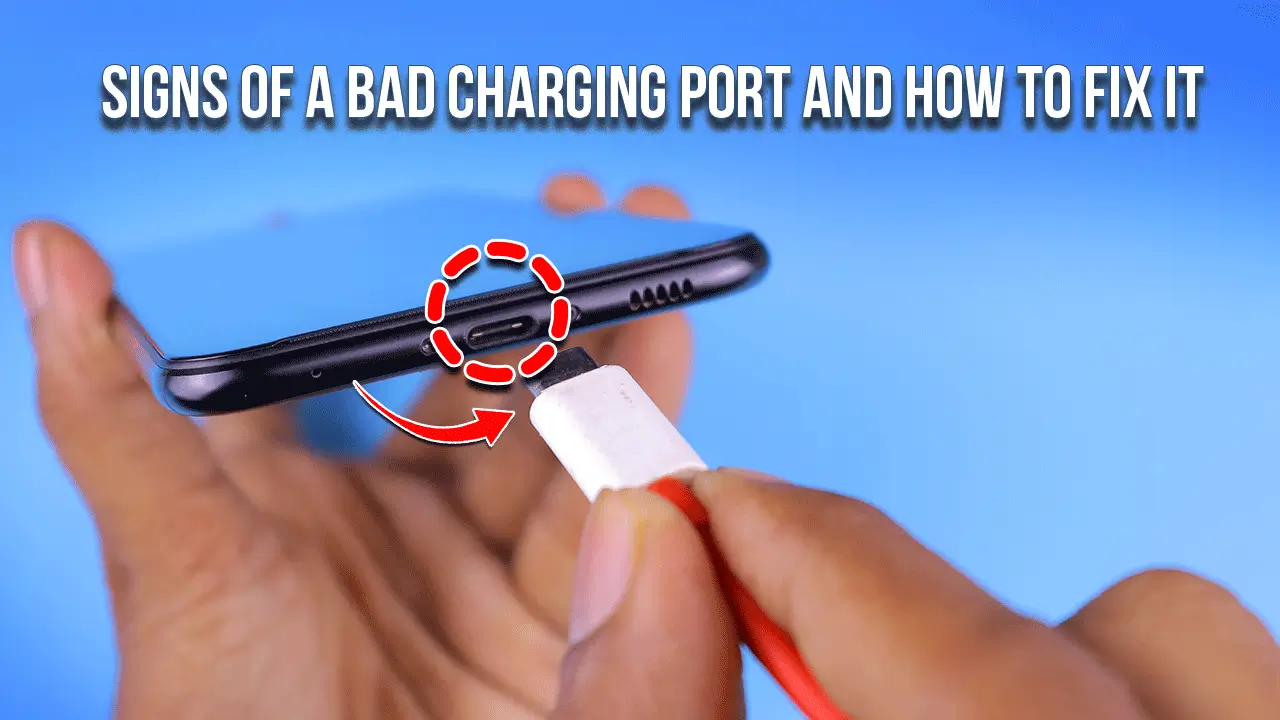
Signs of a Bad Charging Port and Solution
If your phone only charges at an angle, the cable falls out, charging cuts in/out when touched, or it says charging, but the battery doesn’t increase. These are common signs of bad charging port health. The port may be loose, dirty, corroded, or have bent/damaged pins. Start by testing with a known-good cable and wall adapter, then check for lint and gently clean the port. If the same issue occurs with multiple chargers, or you notice overheating, corrosion, or a “liquid detected” message. Stop forcing the cable and have a professional check it to protect the charging IC/PMIC.
A bad port often shows as intermittent charging, a loose fit, slow charging, or needing pressure/angle to keep power. Many “dead port” cases are due to pocket lint or light corrosion, but repeated failures across different chargers usually indicate real hardware damage that needs repair or replacement.
Signs your charging port is bad
Charges only at an angle (classic loose connection)
This is one of the clearest signs of poor contact at the charging port. You plug in, it charges… then you breathe on the cable, and it stops. Real cause? The port’s inner contacts may be worn, the housing may be loose, or the solder joints on the board may have tiny cracks from drops and daily side pressure. Don’t keep “finding the angle.” That habit can turn a simple port job into an IC charging issue.
Fix: test with a known-good cable/adapter, then inspect for debris. If it still only charges at an angle, book a diagnostic; loose ports rarely heal on their own.
Charger keeps falling out or feels “too loose”
If the plug doesn’t “click” in like it used to, or it slips out in your pocket. That’s a strong sign of a worn port shell or damaged retention tabs (very common on older Lightning and Micro-USB ports). Sometimes the cable is the problem. Often it’s the port.
Fix: clean lint first, then try a different cable brand. If it still falls out, the port is likely worn and needs to be replaced.
Charging disconnects when you touch or move the cable
Intermittent charging is not “normal,” even if it’s been happening for weeks. If the phone disconnects when the cable moves, it points to a loose connection inside the port, oxidation on the pins, or a slightly deformed cable tip—small damage, big annoyance.
Fix: swap cable + wall adapter, and try a different outlet. If it still disconnects, stop tugging the cord; strain makes it worse. Learn more about Smartphone Charging Port Problems & Solutions
“Charging” icon appears, but battery percentage doesn’t increase
This one tricks people. The phone shows the charging symbol, yet the battery remains stuck or drains more slowly than usual. That can happen when the port makes weak contact, the fast-charging handshake fails, or the device draws very low current due to corrosion, heat, or charging-circuit limits.
Fix: try a higher-quality adapter with correct wattage (PD/fast charging compatible with your phone), and check for heat. If it persists across chargers, get the port and charging circuit tested.
Slow charging all of a sudden (even with a fast charger)
Sudden slow charging is a big clue. When a port is dirty or oxidized, the phone may revert to basic charging speeds because the Power Delivery/fast-charge handshake can’t complete. One day it’s fine; the next day, it crawls.
Fix: inspect the port with a light, clean carefully, then retest with a known-good fast charger.
Port gets hot / phone overheats while charging
Heat is a warning, not a feature. A damaged or corroded port can create resistance, and resistance creates heat. Sometimes at the plug tip, sometimes at the phone’s lower frame. If it’s getting hot, stop and unplug.
Fix: let it cool, try another charger, and avoid charging under a pillow or while gaming. If heat continues, seek repair to prevent deeper board damage.
Warning messages (“Accessory not supported”, “Liquid detected”)
These alerts often indicate corrosion, moisture exposure, or unstable contact. “Accessory not supported” can also appear with cheap cables. But if it happens with official or certified cables too, the port or charging line may be failing.
Fix: do not force charge after a “liquid detected” alert—dry time and proper inspection are required.
Visible damage: bent pin, debris buildup, corrosion/green tint
Use a flashlight. If you see green/white residue, dark spots, a bent pin, or a cracked inner tongue (common on USB-C), treat it as real damage. And yes—pocket lint can pack down so tight it looks like the port is “shallow,” so the cable won’t fully seat.
Fix: remove dry lint safely (non-metal tools only). If you see corrosion or bent pins, professional service is the safer move.
Bad charging port vs bad charger (quick diagnosis)
Test with a known-good cable + wall adapter (not a laptop port)
Laptop USB ports can limit power. A wall adapter provides clearer results. Use a cable you trust, one that reliably charges another phone, then test your phone.
Try a different power brick wattage (PD/fast charging handshake)
Some phones require a proper PD charger to fast charge, and a weak brick can appear to be a “bad port.” Still, if fast charging worked before and suddenly doesn’t, the port may be the real issue.
If the cable works on other phones but not yours
If the same cable and adapter charge another device normally, but your phone keeps cutting out, that’s a strong sign the port or charging circuit is at fault.
Bad cable symptoms vs bad port symptoms
| What you notice | More likely cable/adapter | More likely port |
| Works if you swap the cable once | ✅ | ❌ |
| Only charges at an angle | ❌ | ✅ |
| Plug feels loose / falls out | ❌ (sometimes) | ✅ |
| Randomly connect/disconnect when touched | ❌ | ✅ |
| “Charging” icon but % doesn’t rise | ✅ (sometimes) | ✅ |
| Visible lint/corrosion in the port | ❌ | ✅ |
Dirty charging port vs damaged port
Pocket lint/debris signs (cable won’t fully seat)
If the cable doesn’t go in all the way, or you can see a gap that wasn’t there before, lint is a common real-life cause. People carry phones in jeans pockets every day; lint builds faster than most expect.
Oxidation/corrosion signs (green/white residue, moisture history)
Humidity, sweat, rain, and “it fell near the sink” moments lead to corrosion. Even a small amount can weaken contact and create heat.
Damage signs (bent pin, cracked inner tongue, loosened housing)
A drop while plugged in can bend pins or crack solder joints. That’s why charging while using the phone—especially gaming—often shortens port life.
What causes a charging port to fail
Daily wear and tear is a factor, and side pressure is the silent killer; cheap, loose cables make it worse, and yanking the cord finishes the job. Water exposure or sweat starts corrosion. Drops can bend pins or fracture solder. Power surges and incompatible adapters can stress the charging IC/PMIC, so problems spread beyond the port if you ignore them.
How to test a charging port at home safe steps
Step 1 — Check your cable tip for damage or debris
Look for bent metal, dirt, or a loose tip. Replace questionable cables.
Step 2 — Use a flashlight to inspect the port
You’re looking for lint, corrosion, or obvious damage. Quick check. No tools yet.
Step 3 — Try another cable + adapter + outlet
Change one thing at a time so you know what fixed it.
Step 4 — Try a different charging method (wireless, if available)
If wireless works fine but wired is unstable, the port becomes the main suspect.
Step 5 — Check for software clues
Moisture alerts, fast charge toggles, or repeated “accessory” warnings can support the hardware story.
Best way to clean a USB-C/Lightning port safely
What to use
A dry, non-metallic pick, a soft brush, and cautious use of compressed air can help. Go slow. Be gentle.
What NOT to use
Avoid metal pins, needles, wet tools, and heavy force. Don’t scrape like you’re digging dirt out of a shoe.
Can a toothpick damage the port?
Yes, if you snap wood inside the port or press hard on the inner tongue; use a softer, controlled touch and stop if you feel resistance.
After-clean test checklist
Plug in fully → check snug fit → confirm stable charging → confirm fast charging (if supported) → monitor for heat.
Is it the battery or the charging port?
Battery problem vs charging port problem symptom matrix
If the phone charges reliably but drains fast, the battery is suspect. If charging is unstable, angle-dependent, or loose, the port is suspect. If it charges but won’t turn on, it could be the battery, PMIC, port, or board—this is where proper testing matters.
When a bad port can mimic battery issues
A weak port contact can deliver low current, so the battery rises very slowly and then drops quickly during use; it feels like a “bad battery,” but the real issue is power delivery.
When to replace the charging port and when a repair is enough
Replace the port if pins are bent/broken, the port is physically loose, or corrosion is severe. A light, clean oxidation treatment may be enough if the port structure is still solid. Don’t keep forcing it—those are classic signs of a bad charging port, and pushing harder can damage the charging IC/PMIC or themotherboard.
Charging port repair cost in Bangladesh
Most shops price by device type and labor level. USB-C port work can be simple on some models and board-level on others. iPhone Lightning replacements vary too, especially if the port is part of a larger flex assembly. You can repair it from Nur Telecom.
- Typical price ranges: budget Android USB-C is often lower; flagship models and iPhones trend higher.
- Cost factors: parts quality, soldering difficulty, water damage, and whether the issue is only the port or also the charging circuit.
- Repair time: many ports are same-day; board-level work can take longer.
- Warranty: a clear warranty should cover the part and workmanship—ask what’s included.
How to prevent charging port damage
Avoid charging while gaming or holding the phone with the cable bent sideways. Clean lint as a routine. Use quality cables and correct adapter wattage. If you work in dust, port plugs and good cases help a lot, and they cost far less than a repair.
FAQ
Why is my phone charging only at an angle?
Usually, the connector isn’t making full contact because the port is worn, loose, dirty, or corroded. The “right angle” trick temporarily bridges weak contact, but it also adds stress. Clean first, test with a good cable, and seek repair if it keeps happening.
Why does my charger keep falling out?
A packed lint layer can stop the plug from seating fully, or the port’s retention parts may be worn out. Try cleaning safely and test a different cable. If the plug still slips out, the port likely needs to be replaced.
Can a dirty charging port cause a device not to charge?
Yes. Pocket lint can block insertion, and oxidation can prevent stable contact, leading to no charge or intermittent charge. A careful dry clean and testing with a known-good charger solves many cases. If it still fails, hardware damage is more likely.