Blog

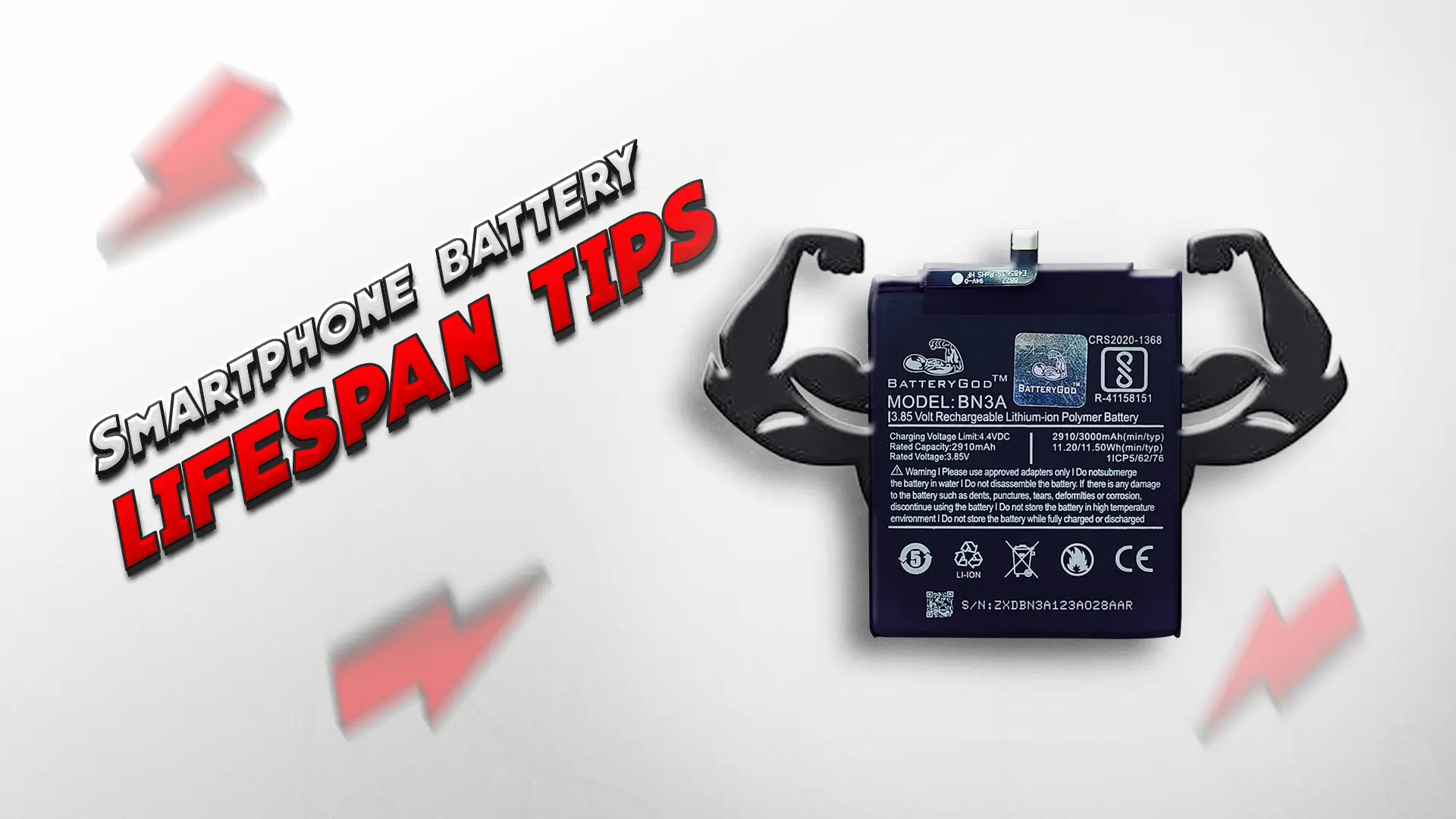
Smartphone Battery Lifespan Tips: How to Make Your Battery Last Longer
Smartphones have become an essential part of our daily lives, and the battery is one of the most crucial components. However, over time, your smartphone battery’s lifespan naturally declines. With the right habits and settings, you can significantly extend your smartphone’s battery life, keeping it running longer and reducing the need for frequent replacements. We’re here to share expert tips to help you optimize your smartphone battery, whether you’re using an Android or an iPhone.
Understanding Smartphone Battery Health
Why Does Smartphone Battery Lifespan Decrease Over Time?
The battery in your smartphone, typically a lithium-ion battery, loses its capacity to hold a charge over time. This process is known as battery degradation. As the number of charge cycles increases, the number of times your battery goes from 0% to 100% and back, the battery slowly wears down. This happens because lithium-ion batteries chemically age as they discharge and recharge. know more about common mobile battery problems and how to prevent them.
What Are the Signs of a Deteriorating Battery?
Over time, you may notice several signs that your smartphone’s battery is deteriorating:
- Shorter Battery Life: If your phone needs to be charged more often than before, it could indicate battery wear.
- Battery Percentage Fluctuations: If the battery percentage drops rapidly or shows inaccurate readings, it may be time to check the battery.
- Overheating: Excessive heat during charging or usage can signal a degraded battery.
- Slow Charging: If your device takes much longer to charge, the battery health could be declining.
Effective Tips to Extend Your Smartphone Battery Life
How to Extend Smartphone Battery Life (Best Practices)
There are several easy steps you can take to maximize your battery life:
- Avoid Extreme Temperatures: Keep your smartphone in environments that are neither too hot nor too cold. Extreme heat or cold can damage the battery.
- Turn Off Unnecessary Features: Disable Bluetooth, Wi-Fi, and location services when you’re not using them to save battery life.
- Use Battery Saver Mode: Both Android and iPhone devices offer built-in power-saving modes that help extend battery life.
The Best Charging Habits to Improve Battery Health on Android/iPhone
Charging habits play a significant role in preserving battery life:
- Avoid Full Discharges: Instead of letting the battery drain completely, charge it when it reaches 20-30%. Lithium-ion batteries last longer when they’re kept between 20% and 80% charge.
- Charge Smart: Use a charger that matches your phone’s specifications. Overcharging or using the wrong charger can harm the battery over time.
- Opt for Wireless Charging Carefully: Wireless charging can generate more heat, which may affect battery health. While convenient, it’s better to use wired charging when possible.
Optimize Battery Settings for Longer Battery Lifespan
Smartphones offer various settings to help you optimize battery usage:
- Adjust Screen Brightness: Lowering screen brightness or enabling auto-brightness can significantly reduce power consumption.
- Limit Background Processes: Both Android and iPhone devices let you limit background app refresh, which prevents apps from running when not in use and saves battery life.
Smartphone Battery Degradation Prevention Tips
Regular maintenance can help slow down battery degradation:
- Update Software Regularly: Ensure your phone’s software is up to date to take advantage of new battery optimization features.
- Use Battery Health Monitoring Apps: These apps help track your battery’s health, providing insights into its condition and allowing you to make necessary adjustments.
Charging Habits and Common Mistakes That Affect Battery Lifespan
Does Charging Overnight Affect Battery Lifespan?
Charging your phone overnight can affect battery health if it stays at 100% for extended periods. However, modern smartphones have intelligent charging systems that stop charging once it reaches full capacity. To be cautious, you can unplug your phone once it’s fully charged or opt for wireless charging pads that don’t keep your phone at 100% for extended periods.
Avoiding Common Charging Mistakes
One of the most common mistakes smartphone users make is letting their battery die completely before recharging. This causes the battery to undergo a deep discharge, which may reduce its lifespan over time. Try to charge your phone before it drops below 20%.
Optimizing Smartphone Battery Performance for Better Longevity
Energy-Saving Settings for Android & iPhone
Both Android and iPhone offer several built-in settings to optimize battery life:
- Battery Saver Mode: This mode reduces background activity, disables unnecessary features, and dims the screen to conserve battery.
- Power-Saving Features: On Android, features such as Doze Mode help conserve battery during periods of inactivity. iPhones also feature Low Power Mode, which reduces power consumption.
How to Manage Background Apps to Save Battery
Background apps consume a significant portion of your battery. Both Android and iPhone allow you to close or limit background apps to extend battery life. On Android, navigate to “Battery Usage” in settings to see which apps are consuming the most power and limit them. On iPhones, you can enable background app refresh controls in settings to prevent apps from running in the background unnecessarily.
How to Preserve Battery Life While Gaming
Gaming can be hard on your smartphone’s battery, especially with high-performance games. To preserve battery life:
- Lower Graphics Settings: Reducing the graphics quality can help save power during gameplay.
- Use Game Mode: Many phones, such as Samsung phones, offer a “Game Mode” that optimizes battery use while gaming.
Battery Saving Apps and Power Management Tools
Best Battery-Saving Apps for Android & iPhone
There are several apps designed to help save battery life:
- AccuBattery (Android): Tracks battery health and charging habits to improve longevity.
- Battery Life (iPhone): Monitors battery health and suggests ways to improve it.
How Battery Health Monitoring Apps Can Help
Using battery health monitoring apps helps you track your smartphone’s battery overall condition. These apps can provide important insights into reducing power consumption and managing settings for better efficiency.
FAQs
How to improve smartphone battery health over time?
To improve your smartphone’s battery health, follow optimal charging practices, keep the battery between 20% and 80%, and reduce background app activity.
What are the best settings for saving smartphone battery life?
Use energy-saving modes, reduce screen brightness, and limit background app refresh to preserve battery life.
How do I stop my smartphone battery from draining quickly?
Avoid overcharging, disable unnecessary features such as Bluetooth and Wi-Fi, and use battery-saver modes to extend battery life.
Is it okay to charge my phone overnight?
Charging overnight is generally safe with modern smartphones, but unplugging once fully charged is ideal to prevent overcharging.
How can I preserve my smartphone battery while gaming?
Lower the graphics quality and use Game Mode to minimize power consumption during gaming.