Blog

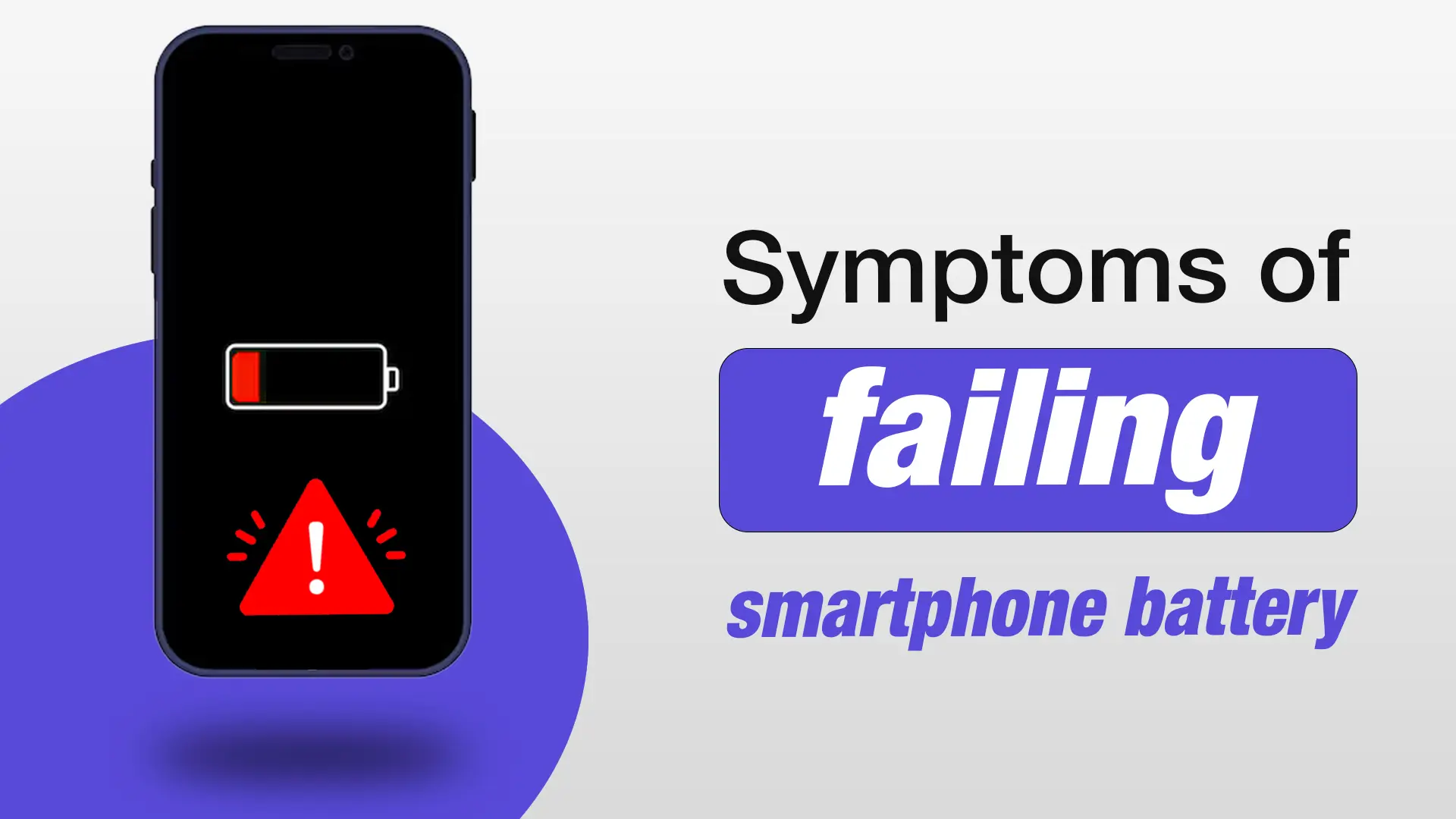
Symptoms of a Failing Smartphone Battery and How to Fix Them
Smartphones have become essential to our daily lives, and a failing battery can quickly disrupt your routine. If you’re experiencing issues with your phone’s battery, it’s crucial to identify the symptoms early. Knowing how to tell if your phone battery is dying can save you from frustration and potentially expensive repairs. In this article, we will walk you through the signs of a failing smartphone battery and offer practical solutions to help you fix these issues.
What Causes a Smartphone Battery to Fail?
Understanding what causes smartphone batteries to fail can help you take better care of your device. Several factors contribute to battery deterioration, including overcharging, wear and tear on lithium-ion batteries, and exposure to extreme temperatures.
The Impact of Overcharging on Battery Health
While modern smartphones have built-in protections against overcharging, prolonged exposure to high charge levels can degrade the battery over time. Charging your device overnight or leaving it plugged in for extended periods can cause wear and tear, reducing battery life.
Lithium-Ion Battery Wear and Tear
Smartphones use lithium-ion batteries, which naturally degrade over time. The more cycles (charges and discharges) a battery undergoes, the weaker it becomes. After a few years of use, even the best battery will show signs of wear, affecting your phone’s performance.
Exposure to Extreme Temperatures
Extreme heat or cold can significantly impact battery health. High temperatures, especially in the summer months, can cause your battery to lose capacity and drain faster. Similarly, very cold conditions can cause your battery to temporarily shut down or not hold a charge.
Top Symptoms of a Failing Smartphone Battery
So, how do you know if your smartphone battery is failing? Here are the most common signs:
Rapid Battery Drain
One of the most obvious symptoms of a failing smartphone battery is rapid battery drain. If you notice that your phone is losing power quickly—even when you’re not using it much—this could indicate that your battery is wearing out. A healthy battery should last a day with regular use, but a failing battery may struggle to hold a charge for more than a few hours.
The Phone Battery Doesn’t Charge Properly
If your phone takes a long time to charge or doesn’t charge at all, the issue might be with the battery. A faulty charging port or cable can sometimes be the cause, but it’s often a sign of a dying battery that can no longer accept a full charge.
Phone Battery Is Overheating
Overheating is a common issue with old or damaged batteries. If your phone gets hot to the touch, especially during charging, it could indicate that the battery is deteriorating. A warm phone is normal, but excessive heat can cause long-term damage to the internal components.
Battery Percentage Jumps Unpredictably
Another clear indicator of a bad smartphone battery is when the battery percentage jumps erratically. One moment, the battery is at 50%, and the next, it drops to 10%. This erratic behavior is often a sign that the battery is no longer able to provide accurate readings or hold a stable charge.
Phone Shuts Down Unexpectedly
If your phone shuts down unexpectedly—even when there’s battery life left—this is a strong sign of a bad battery. Batteries that have aged or are faulty often struggle to maintain the correct voltage, causing the phone to power off randomly. Learn more about Common mobile Battery problems & how to Fix Them.
How to Check If Your Phone Battery Is Bad
If you suspect your battery is failing, there are a few easy ways to check its health.
Using Built-in Tools on Android and iPhone
Both Android and iOS offer built-in battery health tools. On iPhone, go to Settings > Battery > Battery Health to view your battery’s maximum capacity. On Android, many devices offer similar settings, and you can also check the battery’s health through third-party apps.
Battery Health in Settings (iOS)
For iPhone users, the “Battery Health” feature shows the maximum capacity of your battery, indicating how much capacity it has lost over time. If it shows less than 80% capacity, it’s a sign you might need a battery replacement soon.
Third-Party Apps for Android
Android users can download third-party apps such as AccuBattery or GSam Battery Monitor, which provide detailed information on battery health and usage patterns. These apps can help you understand whether your battery is still in good condition or needs replacing.
How to Extend Smartphone Battery Life
Even if your battery is still in good condition, certain habits can help you extend its life.
Tips for Optimizing Battery Usage
You can reduce battery drain by limiting background processes, reducing screen brightness, and turning off features like Bluetooth or location services when they’re not in use. Additionally, keeping your phone on battery saver mode when you’re not using it can help conserve power.
Charging Habits That Preserve Battery Health
To preserve your battery’s longevity, try to avoid letting it drop to 0% or charging it to 100% all the time. Instead, aim to keep it between 20% and 80% for optimal battery health.
Disabling Power-Draining Apps
Certain apps, such as social media and games, can drain your battery significantly. Regularly check which apps are consuming the most power and disable or uninstall unnecessary ones.
Solutions for a Failing Smartphone Battery
If your battery is failing and the symptoms are becoming unmanageable, don’t panic. There are solutions to get your phone back in working order.
Getting Professional Help: Battery Replacement Services in Dhaka
If you notice your smartphone battery showing signs of failure, it’s best to consult a professional. At Nur Telecom, we offer expert battery replacement services for iPhone, Samsung, Xiaomi, OnePlus, and other leading brands. Our technicians, including experts like Md Juwel and Md Mahmud, are trained to handle battery issues with precision.
Need a New Smartphone Battery? Get Expert Battery Replacement Services in Dhaka Today!
If you’re facing issues with your smartphone battery, don’t let it slow you down. Visit Nur Telecom at Shop No. 93, Basement 2, Bashundhara City Shopping Complex, Panthapath, Dhaka 1215 for expert battery replacement and repair services. Our skilled technicians are here to help restore your phone to full health.
Contact Us for a Free Consultation and Battery Health Check! Don’t wait until it’s too late—book your appointment today and ensure your phone’s battery is in top condition.
FAQs
Why Is My Smartphone Battery Draining So Fast?
Battery drain can be caused by multiple factors, such as excessive app usage, screen brightness, or battery wear and tear. It’s important to check which apps are draining your battery and make the necessary adjustments.
How Do I Know If My Phone Battery Needs Replacement?
If your phone’s battery is showing signs of rapid drainage, not charging properly, or overheating, it may be time for a replacement. You can also use your phone’s built-in tools to check battery health.
Can a Failing Battery Cause My Smartphone to Overheat?
Yes, a failing battery can cause overheating. If your phone feels hot during charging or usage, it’s a sign the battery might be deteriorating and needs attention.
How Much Does Smartphone Battery Replacement Cost in Dhaka?
The cost of smartphone battery replacement varies by phone model and service provider. At Nur Telecom, we offer competitive pricing and expert service to ensure your device runs smoothly.
Is It Safe to Replace My Phone Battery at Home?
While it’s possible to replace a smartphone battery at home, we recommend seeking professional help to avoid damaging your device. At Nur Telecom, our technicians are skilled at safely replacing batteries without causing any harm to your phone.