Blog
Android Touch Screen Not Working But Phone is On: Causes and Solutions

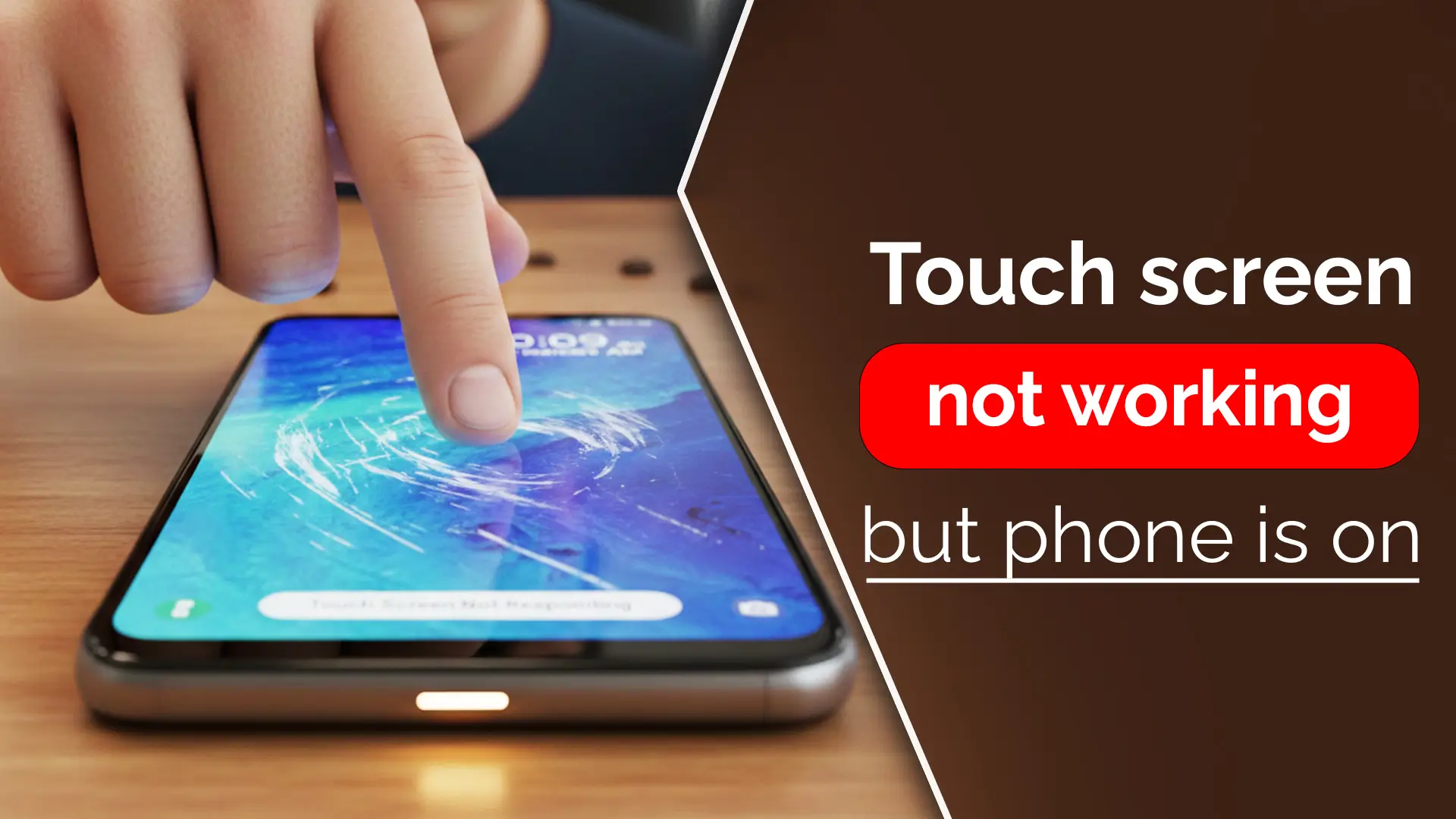
Android Touch Screen Not Working, but Phone is On: What’s the Cause and How to Fix It?
When your Android touch screen suddenly stops responding, but your phone is still on, it can be frustrating. Is your screen black or frozen? Are you unable to interact with the device, even though everything else appears to be functioning properly? Don’t panic. This problem is more common than you might think. In this guide, we’ll walk you through the potential causes of a non-responsive screen and provide actionable solutions to help you get your phone back up and running. If all else fails, you can rely on expert repair services from Nur Telecom, located in Dhaka.
Understanding the Issue: Why Is Your Android Touch Screen Not Responding?
Touch screen failure is a frustrating issue that can occur on any Android phone, regardless of the brand, including Samsung Galaxy, Google Pixel, Vivo, Realme, Huawei, Oppo, Motorola, Xiaomi, or OnePlus. Let’s break down why this might happen and what you can do about it.
Common Causes of Touch Screen Failure in Android Phones
Software Glitch
A software glitch is one of the most common reasons why an Android screen might stop responding. This can happen after an update, when apps clash, or due to a system crash. Often, these glitches can be resolved with a simple restart or a software fix.
Physical Damage or Screen Wear
Physical damage is another obvious cause. If your screen has been dropped or exposed to moisture, it could cause unresponsiveness. Over time, the digitizer or LCD screen can wear out, leading to issues with touch sensitivity.
Hardware Failure
Sometimes, the issue goes deeper. Internal hardware issues, such as a failing motherboard or damaged connectors, can prevent the touch screen from working properly.
Outdated OS or Incompatible Apps
Running an outdated operating system or using incompatible apps can cause the Android touch screen to malfunction. It’s important to keep your phone’s OS up to date and remove apps that may be causing the problem.
Overheating or External Factors
If your phone overheats due to heavy use or exposure to heat, the screen might become unresponsive. External factors like high humidity or dirt can also interfere with touch screen performance.
Interference from Screen Protectors or Cases
Sometimes, a screen protector or phone case may block the touchscreen’s sensitivity. This is often overlooked but can be easily fixed by removing the accessory.
What Happens When the Touch Screen Stops Working but the Phone is On?
When your Android touch screen stops responding, but the phone remains on, it typically means that the display itself is working, but the touch functionality has been impaired. You might see a black screen with no interaction, or the screen might freeze entirely.
The issue could be related to either the LCD display or the digitizer (the component responsible for registering touch). Understanding whether it’s a display failure or a touch screen failure can help narrow down the troubleshooting process.
How to Fix an Android Touch Screen That’s Not Working, but the Phone is On?
Let’s explore both basic and advanced solutions to get your Android phone’s touch screen back up and running. Learn more about how to fix Common Mobile Display Problems.
Basic Solutions to Fix Touch Screen Issues
Restart the Phone
The first step in resolving a frozen or unresponsive screen is to restart the device. This can often fix temporary software glitches.
Perform a Soft Reset or Hard Reset
If a simple restart doesn’t work, try a soft reset or, if necessary, a hard reset. This can help resolve any ongoing software problems.
Check for Updates or Software Fixes
Check if there are any available software updates for your Android device. Updates often contain bug fixes that can resolve touch screen issues.
Remove External Interference (Screen Protector, Case)
Sometimes, a poorly applied screen protector or bulky case may be preventing the touch screen from registering your taps. Try removing them and see if the problem persists.
Clear Cache and System Data
Clearing the system cache can help resolve any app or OS-related issues that could be causing the screen to be unresponsive.
Advanced Troubleshooting for Persistent Touch Screen Failures
Booting in Safe Mode to Test for Software Issues
Safe mode disables third-party apps, allowing you to determine whether the issue is caused by an app. If the touch screen works in safe mode, it’s likely that an app is causing the problem.
Factory Reset: When to Use It and How to Back Up Data
If the problem persists, consider performing a factory reset. Before proceeding, ensure that you back up your data, as this action will erase everything from your device.
Checking for Physical Damage
If none of the above steps work, there might be internal damage to your phone. Look for visible signs of damage or unusual behavior, such as screen flickering, which may indicate a hardware failure.
Using Recovery Mode to Fix the System
If your phone is still unresponsive, you can use Android’s recovery mode to restore the phone to an earlier, functional state.
Professional Repair: When to Seek Help
If all else fails, it’s time to seek professional help. Nur Telecom, located at Shop No. 93, Basement 2, Bashundhara City Shopping Complex, is a trusted provider of mobile repair services. With expert technicians ready to handle touch screen issues on iPhones, Samsung, Xiaomi, Google Pixel, and many other Android devices.
Where to Repair an Android Touch Screen Not Working, but the Phone is On?
If you’ve tried all the troubleshooting steps and your Android touch screen is still unresponsive, it’s time to seek professional repair services. At Nur Telecom, we have a team of experienced technicians, including Md. Juwel, Md. Mahmud, Masud Rana, Rubel Hossain, Sojib Bhuiyan, Jahid Hassan, Md. Arman, and Md. Sohel who specializes in diagnosing and repairing Android touchscreen issues. With over 5, 8, 10, 7, 12, 10, 10, and 15 years of experience, our technicians are skilled in handling complex screen issues and can help you restore your phone to full functionality.
What Was the Repair Cost for an Android Touch Screen that Was Not Working, But the Phone Was Still On?
At Nur Telecom, the cost of an Android touchscreen repair starts from 500 TK. However, if you purchase the display from our shop and book a service, we offer 100% free repair! This is a great way to save on repair costs while ensuring you get high-quality replacement parts and professional service.
Preventing Touch Screen Issues in the Future
Best Practices for Maintaining a Functional Touch Screen
To avoid future touchscreen issues, consider the following best practices:
- Keep the Screen Clean: Regularly clean your touch screen with a soft microfiber cloth to remove dirt and oils that can affect touch sensitivity.
- Use a Quality Screen Protector: A high-quality screen protector can prevent scratches and minor impacts from damaging your screen.
- Avoid Overheating the Phone: Avoid using your phone in extremely hot conditions, as excessive heat can affect the screen’s performance.
- Regularly Update Your Phone’s Software: Keep your device up to date to fix bugs and ensure compatibility with new apps and features.
- Be Cautious with External Accessories: Make sure that cases or accessories do not obstruct the screen’s touch function.
FAQs
What to Do If Your Phone Is On but Has a Black Screen?
If your phone displays a black screen but remains on, try restarting the device, inspect for hardware damage, or attempt to boot into recovery mode.
Why Is Everything Turning On, but There’s No Display on My Android Phone?
No display can be caused by a software crash or a hardware issue, like a damaged LCD or digitizer.
How Do I Use My Android Phone if the Screen Is Unresponsive?
You can use voice commands, connect your phone to a computer, or use an external mouse to interact with your phone until the issue is resolved.
What Are Common Causes of Touch Screen Failure in Android Devices?
Common causes include software glitches, physical damage, outdated software, or interference from accessories.
Can a Factory Reset Fix a Non-Responsive Android Touch Screen?
A factory reset can help if the issue is software-related, but it should be used as a last resort.