Blog

Solve Mobile Display Brightness Problems Easily
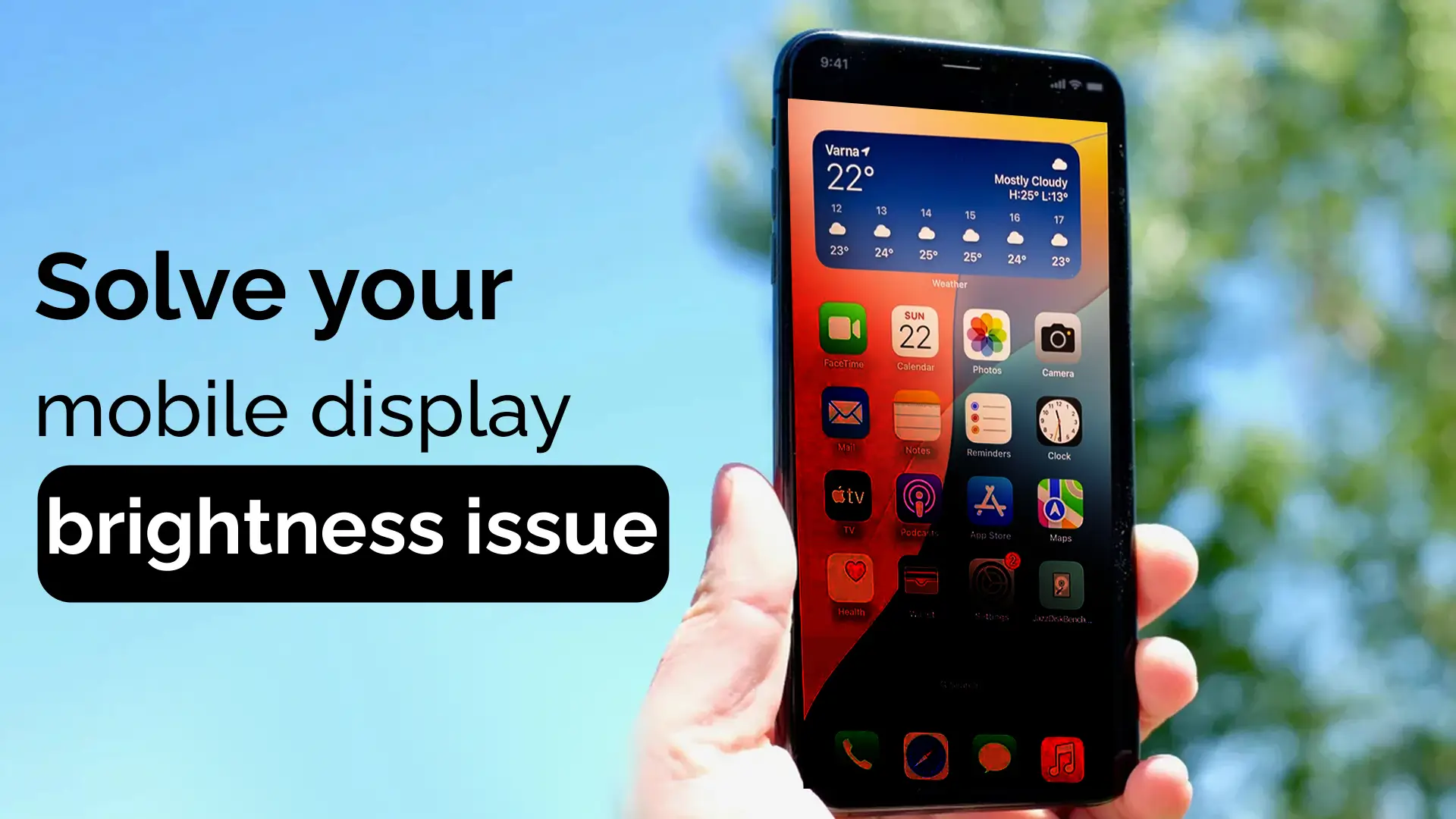
A phone screen’s brightness issue can be an annoying problem for many users. Whether your phone screen dims on full brightness, adjusts automatically without your consent, or simply becomes unreadable in the sun, these issues can disrupt your day-to-day mobile experience. Fortunately, most mobile brightness problems are fixable with a few simple adjustments. We will explore the common causes of phone display brightness issues and provide easy solutions to help you restore your phone’s screen to optimal brightness.
Common Reasons Behind Phone Screen Brightness Issues
Why Is My Phone Screen Dark Even on Full Brightness?
It’s frustrating when you set your phone’s brightness to the highest level, yet the screen remains dark. This can occur for several reasons. A common cause is a malfunction in the auto-brightness setting, which may fail to adjust the screen brightness correctly in response to ambient lighting. Another reason could be a software bug that prevents the phone from displaying the correct brightness. It’s also possible that the battery-saving mode is restricting the screen’s brightness to conserve power.
Why Does My Phone Screen Brightness Keep Dimming or Brightening Automatically?
When your phone’s brightness fluctuates without you adjusting it, it might be due to the adaptive brightness or auto-brightness feature. This feature adjusts the screen brightness according to the surrounding lighting conditions. While it’s intended to be helpful, it doesn’t always function perfectly, resulting in inconsistent brightness levels. Another possible cause could be battery-saving settings that automatically lower the brightness when the phone’s battery level is low.
Why Does My Phone Screen Look Dim in Direct Sunlight?
Exposure to bright sunlight often makes it harder to read your phone’s screen. In many cases, this issue arises from a low screen brightness setting, combined with sunlight reflecting off the screen. Even at full brightness, the sunlight may overwhelm the screen, making it appear dim or unreadable. This problem is more common in older devices or when the screen’s brightness calibration is off. Want to know more about how to solve common display problems?
How to Fix Phone Screen Brightness Problems
Adjusting the Brightness Settings on Your Phone
The first step when encountering a mobile brightness issue is to manually adjust the screen brightness. Simply swipe down from the top of the screen to access the quick settings panel, and drag the slider to your desired brightness level. If your phone’s display still appears too dark, check the settings and ensure the brightness is set to its maximum.
Disabling Auto-Brightness or Adaptive Brightness
If your phone’s brightness keeps changing on its own, disabling auto-brightness or adaptive brightness is a good place to start. To disable this feature, head to your phone’s display settings. In some models, you might find it under “Display” > “Brightness” or “Advanced Settings.” Turn off the auto-brightness or adaptive brightness feature, and manually set the brightness level. This can stop the screen from dimming or brightening without your input.
Calibration Solutions for Screen Brightness
In some cases, the phone screen might need calibration to restore its proper brightness. On many smartphones, you can calibrate the screen by going to the display settings and adjusting the contrast, brightness, and other display features. Alternatively, third-party apps can help calibrate the screen’s brightness to ensure it works correctly. You may also want to consider factory resetting your phone if the issue persists after calibration.
Other Tips to Improve Your Phone Screen Brightness
Updating Your Phone’s Software
One simple yet often overlooked solution is to ensure your phone’s software is up to date. Software updates often fix bugs, including those that affect screen brightness. Head to your phone’s settings and check if a new update is available. Install it and restart your phone to see if the issue is resolved.
Battery Saving Mode and Its Impact on Screen Brightness
Battery-saving modes are designed to reduce power consumption by lowering your phone’s screen brightness. While these modes are useful for prolonging battery life, they can sometimes make the screen uncomfortably dim. Check if your phone is in battery-saving mode and turn it off if necessary. This should restore your screen’s brightness to its full potential.
Checking Your Phone’s Display Hardware for Issues
If none of the above solutions work, there might be a hardware issue with your phone’s display. The screen could be damaged, or there might be an issue with the phone’s internal components. In such cases, it’s best to consult with a professional technician who can diagnose and repair the problem.
Where to Get a Professional Phone Screen Brightness Service in Bangladesh?
At Nur Telecom, we offer professional repair services for a variety of mobile phone issues, including screen brightness problems. Located in Shop No. 93, Basement 2, Bashundhara City Shopping Complex, Panthapath, Dhaka 1215, our team of expert technicians, such as Md Juwel, Md Mahmud, Masud Rana, and others, has years of experience in fixing hardware and software issues for popular phone models like iPhone, Samsung, Xiaomi, OnePlus, and vivo, and other models. If you’ve tried troubleshooting but are still facing issues, our technicians can help with a thorough inspection and repair.
FAQs
Why Is My Phone’s Brightness Low Even When Set at 100%?
If your phone’s brightness is low even when set to full, it could be due to issues such as software glitches, adaptive brightness settings, or battery-saving mode. Try adjusting the settings or disabling auto-brightness to resolve this issue.
How to Fix the Display Brightness Problem on Android Phones?
For Android phones, go to Settings > Display > Brightness. From there, adjust the brightness manually and disable any adaptive brightness settings if necessary.
Why Does the Phone Screen Brightness Automatically Brighten or Dim?
This happens due to auto-brightness or adaptive brightness features. These adjust your screen brightness depending on the ambient lighting. To stop this, disable the feature in the phone’s display settings.
How to Solve iPhone Brightness Problems?
On iPhones, go to Settings > Display & Brightness, and adjust the brightness manually. Disable auto-brightness in Settings > Accessibility > Display & Text Size if the brightness keeps adjusting automatically.
Is There a Permanent Solution to Fix the Phone Screen Brightness Issue?
While software updates and hardware repairs can solve the issue, there’s no permanent fix for all types of screen brightness problems. Regular maintenance, calibration, and proper settings adjustments can help maintain optimal brightness.