Blog

 How to Solve Smartphone Display Flickering Problem and Why It Happens?
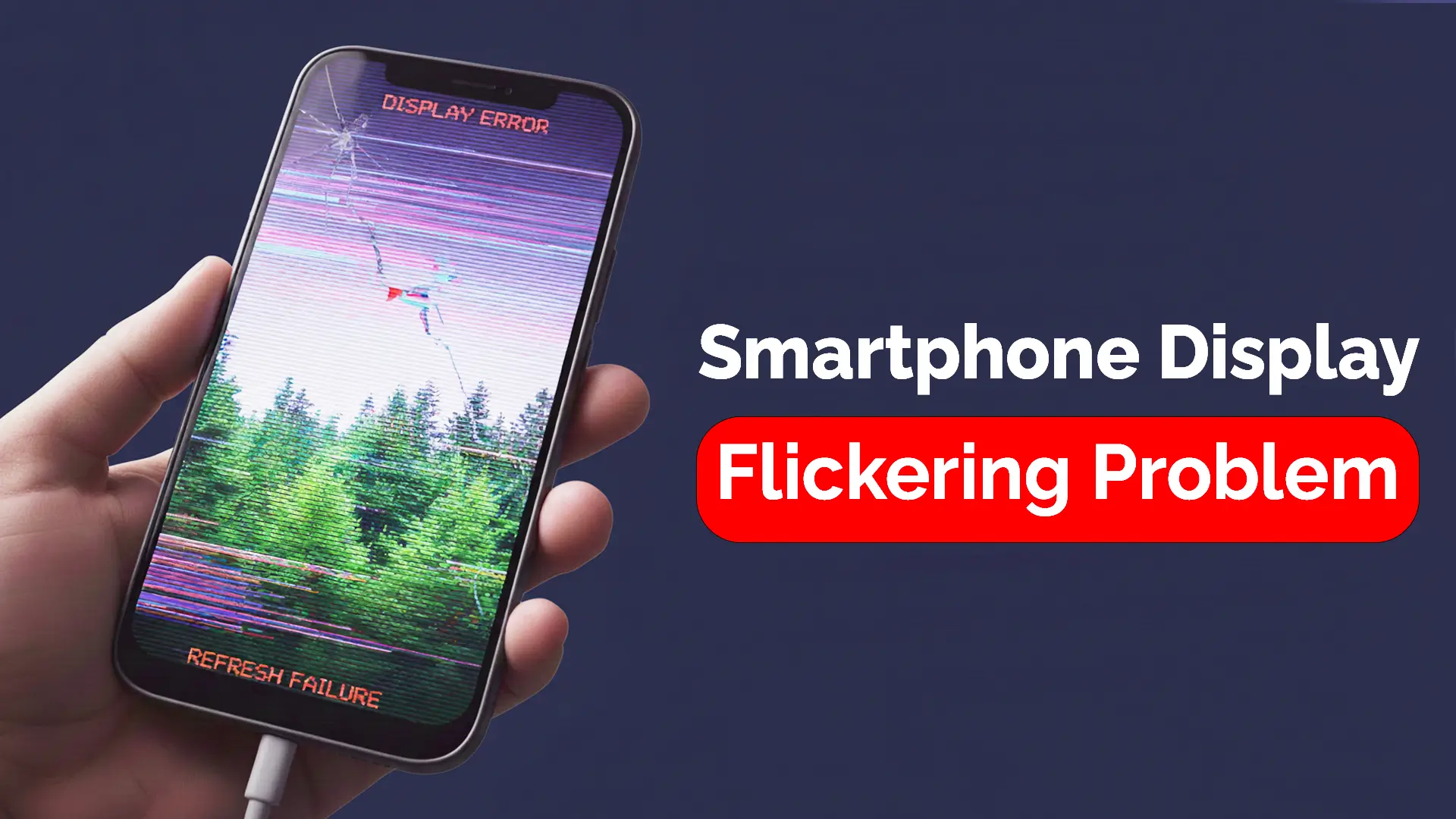
Smartphone display flickering is a common issue that many users face. Whether you’re watching a video, playing a game, or simply browsing through your phone, a flickering screen can be incredibly frustrating. But why does it happen, and more importantly, how can you fix it? We will explore the causes behind display flickering and provide you with step-by-step solutions for both Android and iPhone users. Additionally, we’ll discuss when to seek professional help from experts in Bangladesh.
Understanding Smartphone Display Flickering: Causes and Effects
Smartphone display flickering can occur for several reasons. Sometimes, it’s a minor glitch that can be fixed with a quick adjustment, while other times, it may indicate a more significant issue. Let’s examine some common causes of display flickering and their potential effects.
Common Causes of Smartphone Display Flickering
Software Issues (OS Bugs, Apps Causing Flickering)
Display flickering can sometimes be attributed to a software bug or an issue with an app. If your phone’s operating system (OS) or certain apps aren’t functioning properly, they may cause interference with the screen, resulting in flickering.
Hardware Issues (Damaged Display, Faulty Cables)
If your phone’s display is physically damaged or if there’s an issue with the cables connected to the screen, flickering can occur. This is more common in phones that have been dropped or have suffered from water damage.
Display Settings (Brightness, Refresh Rate)
Incorrect display settings, such as the refresh rate or brightness level, can also cause screen flickering. Some phones may struggle to maintain a consistent display when settings are too high or incompatible with the phone’s hardware. Want to know about Common Smartphone Display Problems and How to Fix Them?
How to Fix Smartphone Display Flickering: Troubleshooting Guide
If you’re experiencing screen flickering on your smartphone, don’t worry—there are several ways to resolve the issue. Let’s break down some quick and advanced solutions.
Quick Solutions for Temporary Flickering
Restarting the Phone
Sometimes, a simple restart can resolve display flickering caused by temporary software glitches.
Updating Software
Ensure that your phone’s software is up to date. Manufacturers regularly release updates to fix bugs, and updating your phone’s software could resolve the flickering issue.
Checking for App-Related Issues
Certain apps may cause display flickering. Uninstall any recently installed apps and check if the flickering stops. And if your Android phone’s display becomes unresponsive, learn how to solve the issue.
Advanced Solutions for Persistent Flickering
Adjusting Display Settings
Go to your phone’s display settings and adjust the brightness or refresh rate. If the refresh rate is too high, it may cause the display to flicker.
Factory Reset for Android/iPhone
If all else fails, consider performing a factory reset. This will erase all your data, so please back up your files first. A reset can eliminate software problems that may be causing flickering.
Replacing the Display Screen
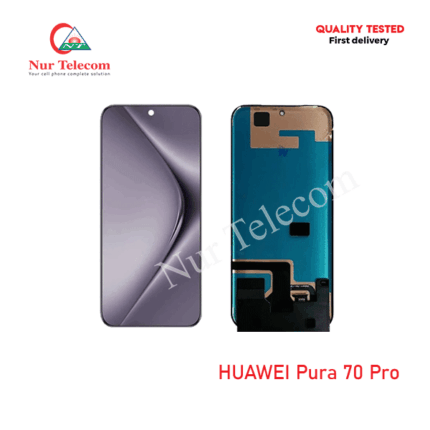
If the flickering persists despite troubleshooting, it could be due to a hardware failure. In this case, replacing the display screen might be necessary. You can replace the screen from Nur Telecom.
When to Seek Professional Help and Where to Get Display Flickering Repair Services in Bangladesh
If you’ve tried all the solutions and your phone’s screen continues to flicker, it may be time to seek professional help. At Nur Telecom, located at Shop No. 93, Basement 2, Bashundhara City Shopping Complex, Panthapath, Dhaka 1215, our expert technicians are ready to assist. Our team, which includes experienced professionals like Md Juwel, Md Mahmud, Masud Rana, Rubel Hossain, Sojib Bhuiyan, Jahid Hassan, Md Arman, and Md Sohel, can diagnose and repair display flickering problems on a wide range of smartphones, including iPhone, iPad, Samsung, Xiaomi, OnePlus, and vivo. With over 5 to 15 years of experience, our technicians ensure that your phone is repaired efficiently and professionally.
Preventing Display Flickering: Tips for Long-Term Fixes
While fixing display flickering is important, preventing it from happening in the future is even more essential. Here are some tips to ensure long-term display health:
Regular Software Updates for Smooth Display Performance
Always keep your phone’s software up to date. Regular updates will help maintain system stability and prevent issues like screen flickering.
Avoid Overloading Your Device with Unnecessary Apps
Too many apps can strain your phone’s resources and negatively impact its performance. Delete apps you don’t need and limit the number of apps running in the background.
Use Screen Protectors to Reduce Display Damage
A high-quality screen protector can help reduce the risk of physical damage to your screen, which can lead to flickering.
FAQs
How can I stop my phone screen from flickering?
To stop your phone screen from flickering, restart your phone, update your software, and check if any apps are causing the issue. If the problem persists, consider adjusting display settings or performing a factory reset.
Can screen flickering be fixed?
Yes, screen flickering can usually be fixed by troubleshooting software or hardware issues. In most cases, a simple software update or display adjustment will resolve the issue; however, in some cases, a hardware repair may be necessary.
How to fix phone screen flickering on Android?
On Android, you can fix screen flickering by restarting your phone, updating the software, adjusting the refresh rate, or performing a factory reset. If these steps don’t work, you may need to replace the display.
Why is my phone screen flickering after being dropped?
If your phone screen flickers after being dropped, it could be due to internal damage to the display or cables. It’s best to have a professional technician inspect and repair the phone.
Where can I repair a smartphone display that flickers in Bangladesh?
For reliable screen repairs, visit Nur Telecom at Shop No. 93, Basement 2, Bashundhara City Shopping Complex, Panthapath, Dhaka 1215. Our expert technicians specialize in smartphone hardware repairs, including issues with the display.
Why My Smartphone Screen Flickers. Is It Normal?
Display flickering is not always a normal occurrence. While minor flickering may occur due to software glitches, persistent or severe flickering typically indicates a more significant issue with either the software or hardware. If your screen flickers frequently, it’s important to address the issue immediately to prevent further damage.
Can Dropping My Phone Cause Screen Flickering?
Yes, dropping your phone can cause the screen to flicker. When a phone is dropped, it can cause internal components, such as the screen or cables, to become loose or damaged. In some cases, a drop can also lead to water or physical damage to the screen, causing it to malfunction and flicker.