Blog

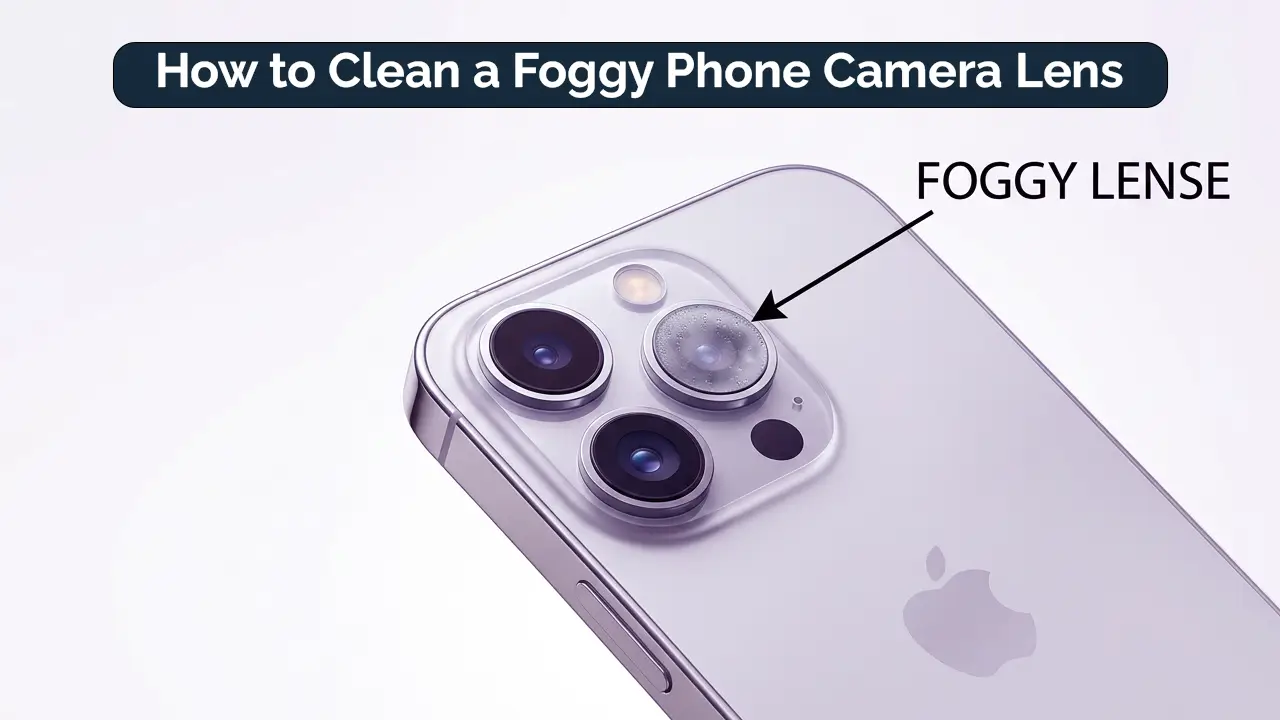
How to Clean a Foggy Phone Camera Lens: Easy Fixes for Clear Photos
A foggy phone camera lens can seriously degrade photo quality, leaving you with blurry or misty shots that just don’t capture the moment. Whether you’re an iPhone user or an Android enthusiast, knowing how to clean a foggy phone camera lens is essential for getting those sharp, clear images you love. In this guide, we’ll explore the causes of a foggy lens, offer simple solutions to fix it, and share tips to keep your camera lens clear. Know about Common Mobile Camera Lens Problems and Solutions.
What Causes a Foggy Phone Camera Lens?
A foggy lens can happen to anyone, and there are several reasons why this might occur. Let’s look at some common causes of a foggy phone camera lens:
Common Causes of a Foggy Phone Camera Lens
- Condensation: This is one of the most common reasons. Condensation forms when moisture is trapped inside the lens, causing it to fog up.
- Temperature Changes: Moving your phone from a cold environment to a warm one can cause the lens to fog, as a temperature shift can cause moisture to form on the lens.
- Humidity: Excess moisture in the air can seep into your phone, leading to a foggy lens. This is especially true in humid climates.
- Dirt or Oil Residue: Fingerprints, dirt, or environmental oils can accumulate on the lens, making it appear cloudy or foggy.
- Water Exposure: Accidental exposure to water can also lead to fogging. If your phone gets wet, the camera lens is likely to fog up.
How to Fix a Foggy Phone Camera Lens
No one wants to deal with blurry photos. Fortunately, fixing a foggy camera lens is simple. Here are some quick and effective methods:
Best Ways to Clean a Foggy Phone Camera Lens
- Use a Microfiber Cloth: The best way to clean your lens is by gently wiping it with a microfiber cloth. Use circular motions to remove dust, oil, and other residues. Microfiber cloths are soft and safe for your lens.
- Apply Lens Cleaner: For a deeper clean, you can use a specialized lens cleaner. Avoid using harsh chemicals, as they can damage your lens coating.
- Avoid Harsh Chemicals: Household cleaners might seem like a quick fix, but they can damage your lens. Stick to products designed for cleaning lenses.
- Use Compressed Air: If there’s dust or debris around your lens, using compressed air can help blow it away without touching the lens surface.
- Try a DIY Moisture Removal Method: If moisture is the culprit, use silica gel packets or place your phone in a bag of uncooked rice overnight to absorb the moisture. This can help clear any trapped water.
Step-by-Step Guide to Fix a Foggy Lens on an iPhone or Android
iPhone:
- Start by turning off your phone.
- Use a microfiber cloth to wipe the lens in a gentle circular motion.
- If there’s visible moisture, place the phone in a dry, warm environment. You can also use a silica gel packet to absorb the moisture.
- Let the phone sit for a while before trying the camera again.
Android:
- Turn off your phone and power it back on to avoid any electronic issues.
- Wipe the lens with a microfiber cloth to remove dust and oils.
- If moisture is still present, use anti-fog wipes designed for smartphone cameras.
- Keep your Android phone in a dry, well-ventilated place to prevent moisture from returning.
How to Prevent a Foggy Phone Camera Lens
It’s always better to prevent a foggy lens than to fix one. Here are some easy steps you can take to keep your phone’s camera lens clear:
Tips to Keep Your Phone Camera Lens Clear
- Avoid Sudden Temperature Changes: Give your phone time to adjust to temperature shifts. Let it warm up or cool down before using it in different environments.
- Use a Phone Case with a Camera Cover: A case with a camera cover can protect your lens from dust, dirt, and moisture.
- Regularly Clean the Lens: Make it a habit to clean your phone’s camera lens regularly to avoid build-up from oils, dirt, or environmental factors.
- Consider a Waterproof Case: If you’re often near water, a waterproof case can protect your phone from moisture that could fog up the lens.
FAQs
Can I Fix a Foggy Camera Lens on My Phone?
Yes, it’s possible to fix a foggy camera lens by cleaning it and removing any moisture trapped inside.
How Do I Prevent Fogging on My Phone’s Camera Lens?
To prevent fogging, avoid sudden temperature changes, keep your camera clean, and consider using a waterproof case.
Why Does My iPhone Camera Keep Fogging Up?
The most common causes are condensation, rapid temperature changes, or accidental water exposure.
How Can I Clean My Phone Camera Lens at Home?
You can clean your camera lens using a microfiber cloth, lens cleaning solution, or compressed air to remove dust or moisture.