USB Cable
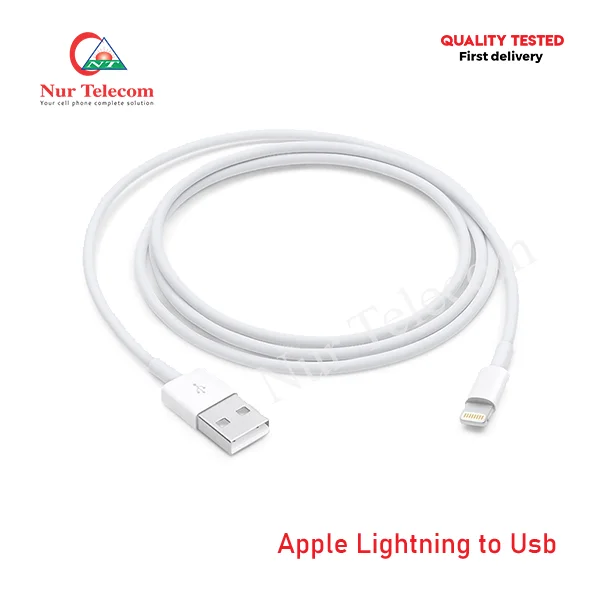
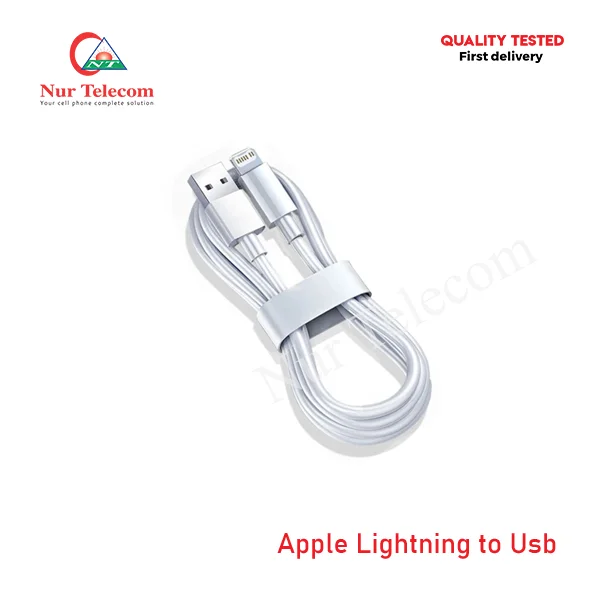
Apple Lightning to USB Cable
Price range: 149.00৳ through 299.00৳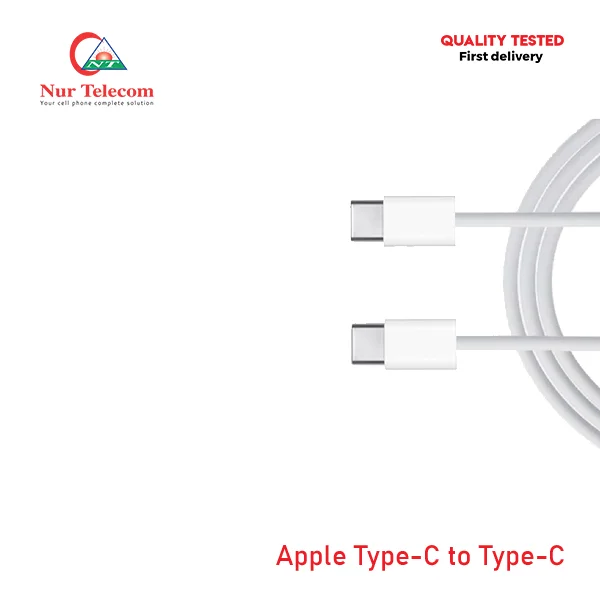
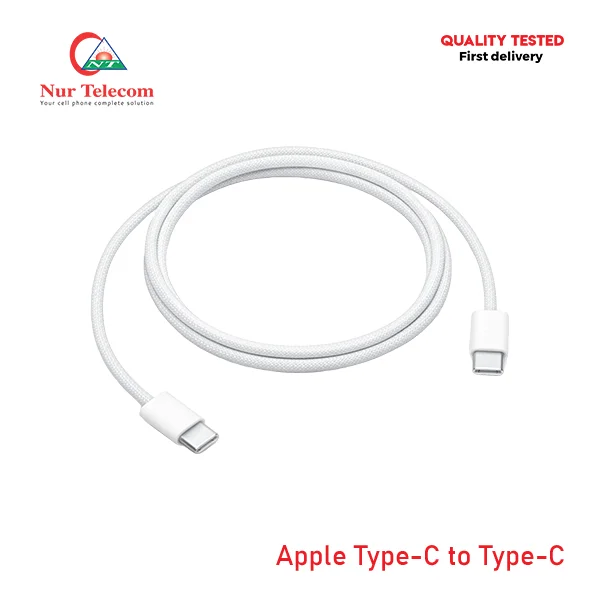
Apple Type-C to Type-C Charging Cable
Price range: 799.00৳ through 1,499.00৳
Apple USB-C to Lightning Cable
Price range: 299.00৳ through 799.00৳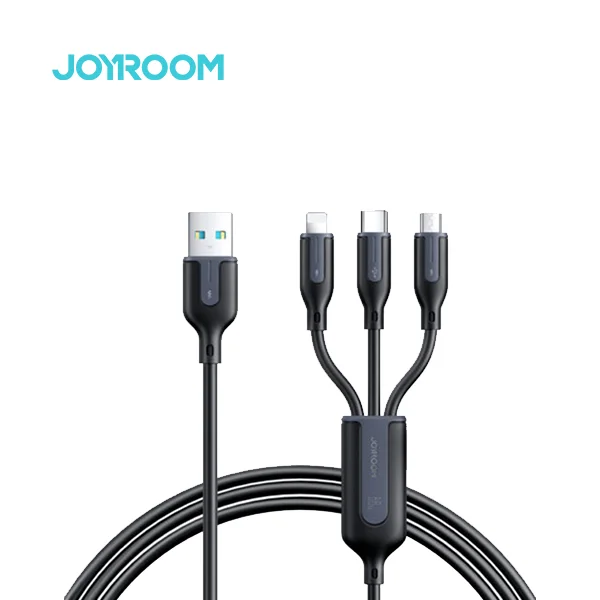
Joyroom A15 66W USB-A to 3-in-1 Braided Fast Charging Cable
Original price was: 850.00৳ .750.00৳ Current price is: 750.00৳ .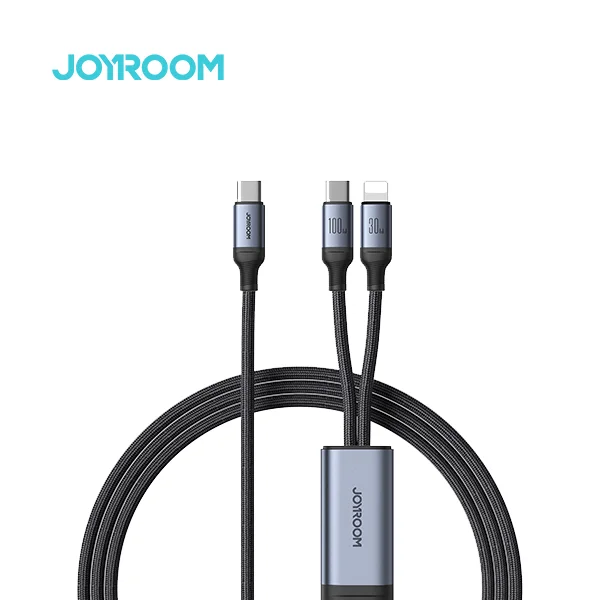
Joyroom A21 100W PD 2-in-1 Braided Fast Charging Cable
Original price was: 1,150.00৳ .950.00৳ Current price is: 950.00৳ .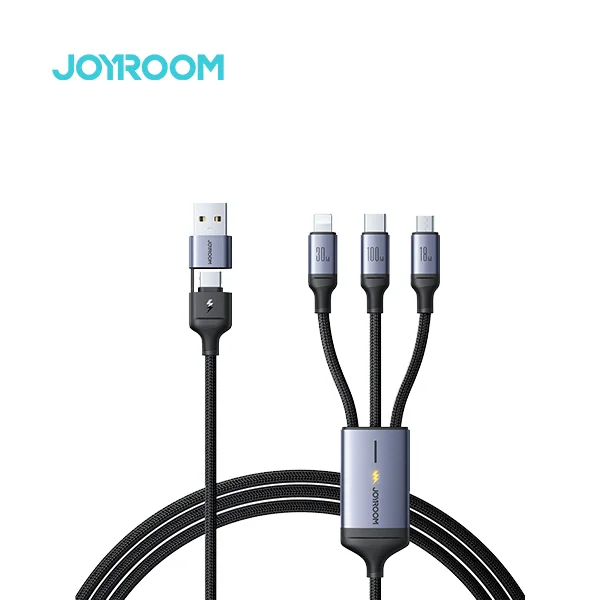
Joyroom A21 100W PD 3-in-1 Braided Fast Charging Cable
Original price was: 1,100.00৳ .899.00৳ Current price is: 899.00৳ .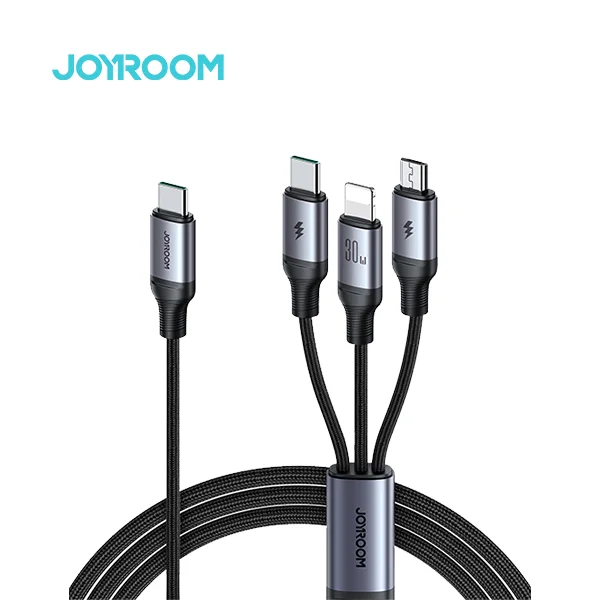
Joyroom A21 30W PD 3-in-1 Braided Fast Charging Cable
Original price was: 1,100.00৳ .749.00৳ Current price is: 749.00৳ .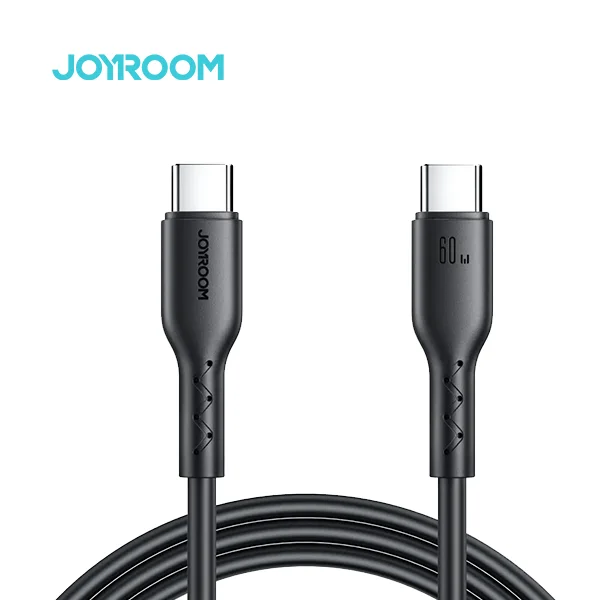
Joyroom A26 60W Type-C to Type-C Data Cable
Original price was: 600.00৳ .499.00৳ Current price is: 499.00৳ .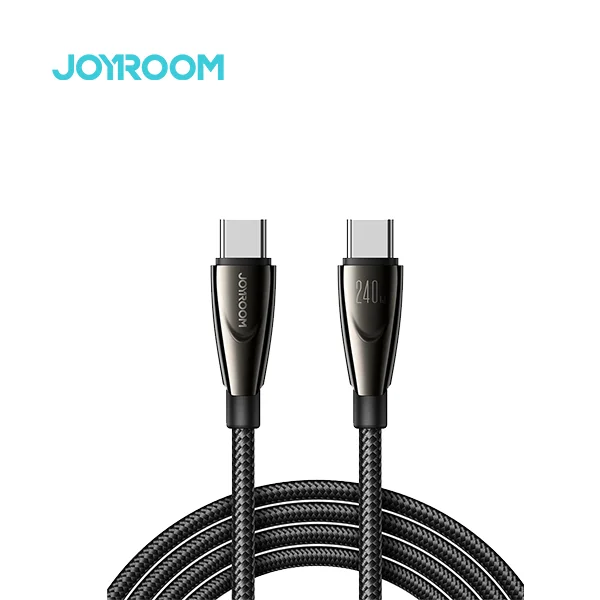
Joyroom A31 240W Fast Charging Type-C Cable
Original price was: 1,000.00৳ .799.00৳ Current price is: 799.00৳ .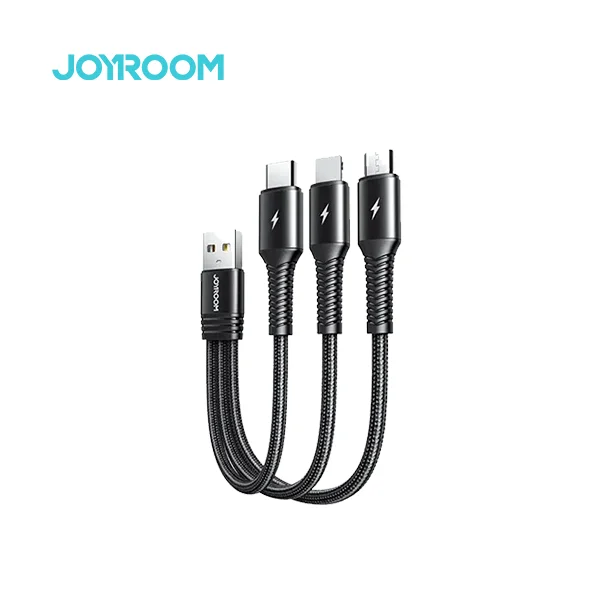
Joyroom S-1335K4 3 in 1 Fast USB Charging Cable
Original price was: 800.00৳ .550.00৳ Current price is: 550.00৳ .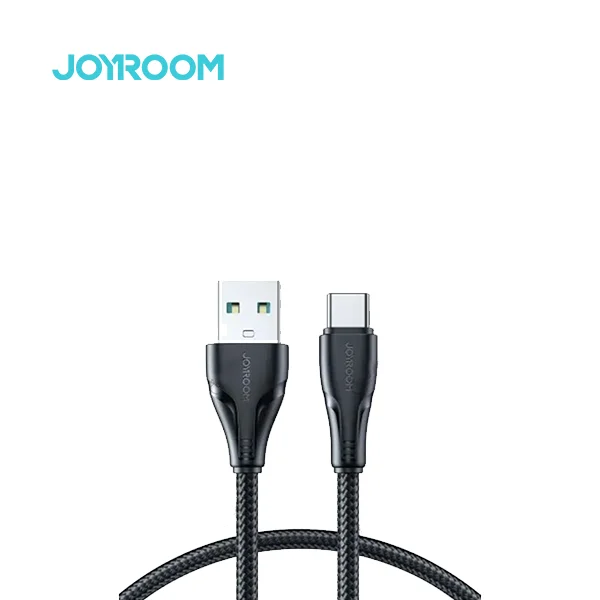
Joyroom S-A11 Type-C Charging Data Cable
Original price was: 550.00৳ .450.00৳ Current price is: 450.00৳ .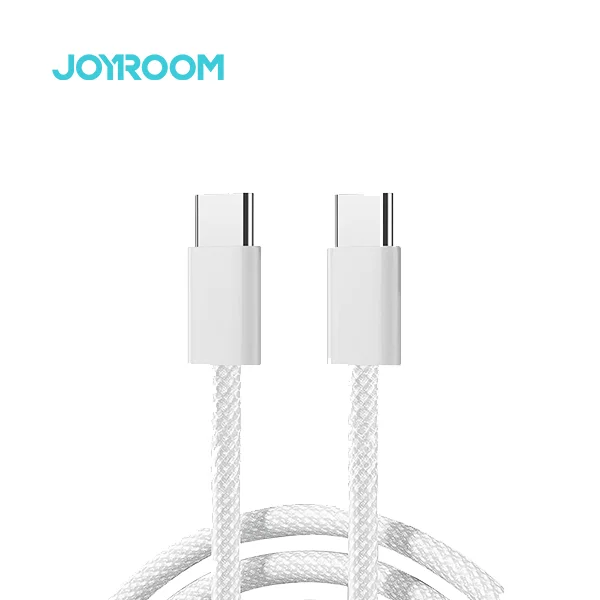
Joyroom S-A45 60W Ben Series Braided Fast Charging Type-C Cable
Original price was: 600.00৳ .499.00৳ Current price is: 499.00৳ .Shop the Latest USB Cable at an Affordable Price in Bangladesh
A USB cable, or Universal Serial Bus cable, connects compatible devices for charging, data transfer and peripheral communication. USB cables are commonly used with smartphones, tablets, laptops, desktop computers, power banks, keyboards, printers, cameras, storage devices and other electronic accessories.
Nur Telecom offers different types of USB cables in Bangladesh, including USB-A to USB-C, USB-C to USB-C, Lightning, Micro-USB, fast-charging, data-transfer, OTG and multi-connector cables. Users can compare connector type, charging wattage, current rating, cable length, material and device compatibility before choosing a product. Explore reliable USB cables at affordable prices in Bangladesh and select the right cable for everyday charging, file transfer or device connectivity.
Latest USB Cable Price List in BD
Which Popular USB Cable Brands Are Available in Bangladesh?
Several international accessory brands offer USB cables in Bangladesh with different connector types, charging speeds, lengths, materials and price ranges. At Nur Telecom, users can explore popular USB cable brands such as Oraimo, Joyroom, LDNIO, Apple and Samsung. These brands provide USB-A to USB-C, USB-C to USB-C, Lightning, Micro-USB, fast-charging, braided, multi-connector and high-wattage cables for smartphones, tablets, laptops, power banks and other electronic devices.
What Types of USB Cables Are Available in Bangladesh?
USB cables available in Bangladesh include USB-A to USB-C, USB-C to USB-C, USB-A to Lightning, USB-C to Lightning, Micro-USB and multi-connector designs. Each connector pair serves different chargers, smartphones, tablets, laptops, power banks and mobile accessories.
USB-A to USB-C Cables
A USB-A to USB-C cable has a traditional rectangular USB-A connector on one end and a reversible USB-C connector on the other. It is commonly used with older wall adapters, car chargers, computers and power banks that have USB-A output ports.
These cables suit Android phones, tablets, speakers, earbuds and other USB-C devices. Available models support different current ratings, including 2A, 3A, 5A and manufacturer-specific higher-current systems. Buyers should confirm whether the cable supports data transfer and the charging protocol required by their device.
USB-C to USB-C Cables
A USB-C to USB-C cable, also called a C-to-C cable, has a USB-C connector at both ends. It connects USB-C chargers and power banks to compatible smartphones, tablets, laptops and other devices. C-to-C cables can support charging, data transfer, video or a combination of these functions. Their actual capabilities vary by model. A cable labelled 60W is suitable for many smartphones, tablets and selected laptops, while compatible 100W or 240W models support more demanding devices.
USB-IF’s current certification programme requires USB-C to USB-C cables to display either a 60W or 240W power-capability marking. Cables that support data rates above USB 2.0 must also display the applicable data-performance marking to qualify under the programme.
USB-A to Lightning Cables
A USB-A to Lightning cable connects a USB-A charger, computer, car adapter or power bank to an Apple device with a Lightning port. It is commonly used with earlier iPhone models, selected iPads, AirPods charging cases and other Lightning accessories. This cable type is convenient for users who already own USB-A chargers. Charging speed depends on the charger output, cable quality and connected Apple device.
USB-C to Lightning Cables
A USB-C to Lightning cable connects a USB-C power adapter, laptop or power bank to an Apple device with a Lightning connector. It can support charging and data transfer for compatible iPhones, iPads, AirPods and other Apple accessories. Supported iPhones can use a USB-C to Lightning cable with an appropriate USB-C Power Delivery adapter for faster wired charging. This makes it more suitable than USB-A to Lightning for buyers who use modern USB-C chargers. USB-C to Lightning is intended for Lightning devices. iPhone 15 and later models use USB-C and therefore require a USB-C charging cable rather than a Lightning connector.
USB-A to Micro-USB Cables
A USB-A to Micro-USB cable connects a traditional USB-A charger or computer to a device with a Micro-USB port. It remains useful for older Android phones, feature phones, Bluetooth speakers, power banks, wireless earbuds and small electronic accessories. Micro-USB is not reversible, so the connector must be inserted in the correct orientation. Standard models commonly support 2A or similar charging levels. Users should check whether the cable provides charging only or also supports data synchronisation.
3-in-1 and Multi-Connector Cables
A 3-in-1 charging cable combines several connector types in one product. Common combinations include USB-C, Lightning and Micro-USB. Some 4-in-1 designs also provide different input choices, such as USB-A and USB-C. Multi-connector cables are suitable for families, offices and travellers who use several device types. They reduce the need to carry separate charging cables and make it easier to charge phones, earbuds, speakers and power banks from one accessory.
How Do You Choose the Right USB Cable for Your Device?
Choose a USB cable by matching its two connectors, supported charging power, data-transfer capability, length and construction to your device. The wrong connector, insufficient power rating or charging-only design can limit performance or prevent the cable from completing the required task.
Match Both Cable Connectors
Identify the port on the charger or power source and the port on the device. Both ends must match.
Common combinations include:
|
Power source |
Device |
Required cable |
|
USB-A charger |
USB-C phone | USB-A to USB-C |
|
USB-C charger |
USB-C phone or laptop |
USB-C to USB-C |
|
USB-A charger |
Lightning iPhone |
USB-A to Lightning |
|
USB-C charger |
Lightning iPhone |
USB-C to Lightning |
| USB-A charger | Micro-USB accessory |
USB-A to Micro-USB |
Do not choose a cable based only on the connector at the device end. A USB-C to USB-C cable cannot connect directly to a USB-A charger, and a USB-A to USB-C cable cannot provide a USB-C-to-USB-C Power Delivery connection.
Check Charging Wattage and Current
Compare the cable rating with the charger output and device charging requirement. A cable rated below the required power can restrict charging speed. A cable rated above the device requirement remains usable because compatible USB systems negotiate the power the device accepts. For example, a 60W cable can charge a 20W smartphone, but the phone will not receive 60W unless it supports that level. A laptop requiring 65W should not depend on a cable whose confirmed maximum is only 20W or 30W. Current ratings such as 2A, 3A and 5A must also be interpreted with voltage and charging protocol. Amperage alone does not describe total power or guarantee fast charging.
Check Data-Transfer Support and Speed
Not every charging cable transfers data. Some low-cost or specialised products contain only power conductors and cannot sync files, connect to Android Auto, operate Apple CarPlay or communicate with a computer. A cable described as a data cable should state its supported speed. USB 2.0 commonly supports up to 480Mbps, while faster USB standards can provide higher rates. The connector shape does not reveal the data capability; two USB-C cables can have the same appearance but different charging, data and video functions.
Choose the Right Cable Length
A 1-metre cable is suitable for desks, power banks, cars and everyday charging. A 1.2-metre. A 1.5-metre cable provides more movement around beds, sofas and office tables. A 2-metre cable is useful when the wall socket is farther from the device. Longer cables provide convenience but require suitable conductor quality to maintain stable charging. Excessively long, thin or poorly built cables can create greater electrical resistance and reduce practical charging performance.
Compare PVC, TPE and Braided Cable Materials
PVC cables are affordable, flexible and widely used. They suit normal home, office and travel charging when the connector joints are properly reinforced.
TPE cables are softer and more flexible than many basic PVC designs. They can be comfortable to handle and easier to pack, although durability still depends on overall construction.
Silicone cables offer a soft surface and strong flexibility. Their smooth finish can reduce tangling, making them suitable for bags and daily travel.
Nylon-braided cables use a woven outer layer to resist abrasion and frequent bending. Braiding improves exterior durability but does not automatically provide faster charging or better data performance. Buyers must still check the internal power and data specifications.
Check Certification and Product Authenticity
Look for clear brand identification, model number, connector information, power rating, cable length, warranty terms and seller documentation. Avoid products with unrealistic charging claims, incomplete specifications or packaging that does not identify the manufacturer. Official USB certification logos indicate that a product has passed the USB-IF compliance programme and is listed for the certified capability. A cable should not display a USB-IF logo merely because it uses a USB connector.
How Do Cable Wattage and Current Affect Fast Charging?
Wattage represents supported electrical power, while current is measured in amperes. The charger, cable, connector and connected device must support compatible power levels and charging protocols. The cable sets a safe limit but cannot force a device to charge faster than designed.
What Do 2A, 3A, 5A and 6A Mean?
A cable’s ampere rating describes the electrical current it is designed to carry under specified conditions.
A 2A cable suits basic phone and accessory charging. A 3A cable supports higher current and can serve many fast-charging phones and USB-C systems. Under compatible USB Power Delivery conditions, a 3A USB-C cable can support up to 60W.
A 5A USB-C cable is used for higher-power charging above the normal 3A limit. High-current 5A cables require proper electronic identification within the USB Power Delivery system. Samsung, for example, specifies an E-marked 5A USB-C cable for compatible 45W Super Fast Charging configurations.
A cable advertised as 6A usually relates to a manufacturer-specific fast-charging system rather than a universal USB Power Delivery level. The phone, charger and cable must all support that proprietary system to achieve the claimed output.
Who Needs a 20W or 30W Charging Cable?
A 20W charging cable is suitable for many smartphones, including compatible iPhones using USB Power Delivery. It also works with earbuds, power banks and other mobile accessories when the connectors match.
A 30W cable provides additional headroom for supported smartphones, tablets and compact devices. USB-C to Lightning cables marketed at 20W or 30W are commonly selected for compatible Lightning iPhones, while USB-C to USB-C models serve modern Android phones and USB-C Apple devices.
The cable rating should equal or exceed the charger’s intended output. A 30W cable does not make a phone charge at 30W when the device accepts only 20W.
Who Needs a 60W or 65W USB-C Cable?
A 60W or 65W USB-C cable is suitable for fast-charging smartphones, tablets, handheld devices and many lightweight USB-C laptops. It provides more flexibility than a low-wattage phone cable without requiring a very high-power design.
Buyers should compare the laptop’s original charger rating with the cable and adapter. A laptop designed for 65W charging needs a compatible USB-C PD adapter and a cable capable of carrying the required power.
The maximum power can also depend on whether several ports are active on the charger. A multi-port adapter may reduce the power available to one cable when other devices are connected.
When Should You Choose a 100W or 240W Cable?
A 100W USB-C cable suits high-performance laptops, docking stations, monitors and other USB-C devices that require more than 60W. It can also charge lower-power devices safely because the connected equipment negotiates the required power.
A 240W USB-C cable supports USB Power Delivery Extended Power Range for compatible equipment. USB PD 3.1 expanded the maximum supported power from 100W to 240W through full-featured USB-C cables and connectors.
Choose a 100W or 240W cable only when the charger and device can use the additional capacity. For basic smartphones, higher cable wattage provides compatibility headroom rather than an automatic speed increase.
What Is an E-Marker Chip in a USB-C Cable?
An E-Marker, or electronic marker, is a chip inside certain USB-C cables that identifies the cable’s supported power and technical capabilities to compatible USB Power Delivery equipment.
E-marking is especially important for 5A and higher-power USB-C cables. It helps the charger and device determine whether the cable can safely carry the negotiated current. USB-IF includes separate compliance requirements for cables implemented with E-Markers.
A cable that claims high power without suitable electronic identification and construction may fail to deliver the expected output. Check the product specification for E-Marker support when purchasing a cable for 45W, 65W, 100W or higher-power applications.
Which USB Cable Is Suitable for Your Device?
Phones, tablets, laptops, power banks and accessories use different connectors and power levels. Identify the device port, charger port, original power rating and required data functions before choosing a USB-C, Lightning, Micro-USB or high-wattage charging cable.
USB Cable for Android Phones
Most modern Android phones use a USB-C port, while some older models and low-power accessories still use Micro-USB. The required cable depends on the charger:
- USB-A charger: USB-A to USB-C
- USB-C charger: USB-C to USB-C
- Older Micro-USB device: USB-A to Micro-USB
For fast charging, confirm that the cable supports the phone’s required current, wattage and protocol. A standard USB-C cable may charge the phone but fail to activate the brand’s maximum fast-charging mode. A 3A cable suits many Android devices. Phones using proprietary 5A or 6A charging systems require a compatible charger and cable designed for that system.
Charging Cable for Samsung Phones
Modern Samsung Galaxy phones generally use USB-C. A USB-C to USB-C cable is appropriate when using a Samsung USB-C Power Delivery or PPS adapter, while USB-A to USB-C works with older adapters.
Samsung’s 25W charging can operate through a compatible USB-C setup, but selected 45W Super Fast Charging configurations require an E-marked 5A USB-C cable and compatible 45W adapter. A normal 3A cable can limit the available output on those devices. Check the exact Galaxy model because supported charging speed differs between devices. The phone, adapter and cable must all support the intended mode.
Charging Cable for iPhone and iPad
The correct Apple cable depends on the device connector. iPhone 15 and later models use USB-C, while iPhone 14 and earlier models use Lightning. Apple recommends USB-C Power Delivery with a USB-C cable for newer USB-C iPhones and USB-C to Lightning for earlier Lightning models when faster wired charging is required.
USB-A to Lightning remains suitable for older adapters and standard charging. USB-C to Lightning supports charging, synchronisation and file transfer for compatible iPhone, iPad, AirPods and Apple accessories. Many current iPads use USB-C, while older models use Lightning. Check the physical port and device specification before ordering.
USB Cable for Tablets and Power Banks
Tablets often have larger batteries and benefit from USB-C cables that support 20W, 30W, 45W or higher charging, depending on the model. A low-current cable may work but can increase charging time. Power banks can have separate input and output ports. A Micro-USB or USB-C input recharges the power bank, while USB-A or USB-C output charges another device. Some USB-C ports support both input and output. Check the power bank’s maximum input rating when choosing its recharging cable. A 100W cable provides no charging advantage when the power bank accepts only 18W or 20W input.
USB-C Cable for Laptops and MacBooks
A USB-C laptop cable must support the computer’s required charging power. Common requirements include 45W, 60W, 65W, 100W and higher. For a laptop requiring 65W, choose a compatible USB-C PD charger and a cable rated for at least that output. For more demanding laptops, select a suitable 100W or 240W cable and confirm the required USB PD voltage profile.
Charging capability does not guarantee high-speed data or external-display support. Apple notes that its USB-C Charge Cable can deliver power but is limited to USB 2.0 data and does not support video. Buyers who need a monitor, dock or fast storage connection must select a full-featured USB-C or Thunderbolt cable.
Cable for Earbuds, Speakers and Other Accessories
Wireless earbuds, Bluetooth speakers, smartwatches, game controllers, fans and other accessories generally require less power than phones or laptops. Their main requirement is the correct connector. Modern accessories commonly use USB-C, while older products may use Micro-USB or Lightning. A standard 2A or 3A cable is usually sufficient unless the manufacturer specifies a different requirement.
A short cable works well with power banks and desktop chargers. A multi-connector cable is convenient for travel bags containing several low-power devices, but each connector’s compatibility should be checked.
Why Buy a USB Cable From Nur Telecom?
Nur Telecom is a trusted smartphone spare parts and gadget seller in Bangladesh, offering mobile displays, batteries, backshells, accessories and electronic gadgets at competitive prices. Explore a wide range of USB cables for charging, data transfer and device connectivity. The available collection includes USB-A to USB-C, USB-C to USB-C, Lightning, Micro-USB, fast-charging, braided, coiled, digital-display and multi-connector cables from recognised brands such as Oraimo, Joyroom, LDNIO, Apple and Samsung. You can find cables for Android phones, iPhones, tablets, power banks, laptops, earbuds and other accessories. Selected products also include brand-specific warranty support. Nur Telecom focuses on helping users choose the correct connector, charging wattage, cable length and material for reliable everyday use.
FAQs
Which USB cable is best for fast charging?
The best fast-charging cable matches the charger, device connector, wattage and charging protocol. USB-C to USB-C is suitable for most modern USB Power Delivery devices. Choose a 3A cable for up to 60W or a compatible E-marked 5A cable for higher-power charging.
What is the difference between USB-A and USB-C?
USB-A is the larger rectangular connector commonly found on older chargers, computers and power banks. USB-C is smaller, reversible and supports scalable charging and data capabilities. USB-C describes the connector, not one guaranteed speed; actual power, data and video support depend on the cable and connected devices.
Is Type-C the same as USB-C?
Yes. “Type-C” and “USB-C” commonly refer to the same reversible connector. The official name is USB Type-C. However, the connector shape does not confirm charging wattage, data speed or video support. Buyers must read the cable specification to understand its complete capabilities.
Can every USB cable transfer data?
No. Some USB cables support charging only, while others support charging and data transfer. Even data-capable USB-C cables can have different speeds. Check for a stated data rate such as 480Mbps and confirm video support separately when connecting monitors, docks or external storage.
Does a 100W cable charge a phone faster?
A 100W cable does not force a phone to accept 100W. The phone and charger negotiate a supported charging level, and the cable provides sufficient capacity for that connection. A phone limited to 20W will remain near its supported maximum even when connected through a 100W cable.
Can a 60W USB-C cable charge a laptop?
A 60W USB-C cable can charge a laptop that supports USB-C Power Delivery and requires no more than the available output. The charger must also provide sufficient power. A laptop designed for 65W, 100W or more may charge slowly or lose battery during demanding use with only 60W.
What does 5A mean on a charging cable?
A 5A rating means the cable is designed to carry up to five amperes under its supported charging system. In USB-C Power Delivery, 5A cables enable power above the normal 3A limit and require electronic marking. Compatible Samsung 45W charging also uses an E-marked 5A cable.
What is the difference between Lightning and USB-C?
Lightning is Apple’s connector used on earlier iPhones and selected Apple accessories. USB-C is an industry-standard reversible connector used across phones, tablets and laptops. iPhone 15 and later use USB-C, while iPhone 14 and earlier use Lightning.
Is a braided cable better than a normal cable?
A braided cable often provides better exterior resistance to abrasion, tangling and repeated bending. It is useful for heavy daily use and travel. Braiding does not automatically improve charging speed, data rate or electrical safety, so buyers must still compare wattage, connector quality and certification.
How can buyers identify an original charging cable?
Check the brand, model number, packaging, connector finish, printed power rating, warranty and seller invoice. Certified USB products can display official USB-IF logos after compliance testing. Third-party Lightning accessories should carry the MFi badge. Avoid unclear specifications, unrealistic power claims and unusually poor connector construction.